In short
Claude and Gemini both turn a question into a researched report, so the better pick depends on where your sources sit. Gemini Deep Research can read Gmail and Drive when Google Workspace is connected; Claude Research works through connectors and long uploaded files.
Both read what is already written. For what your customers have not said yet, Tracy AI Interviewer runs the interviews from a chat, asks the follow-up a vague answer needs and keeps the recording behind each quote.
To choose between the two, send one question you half know the answer to through both and open every source each one cites.
Is Claude better than Gemini for research?
Neither wins on every job. Claude's Research mode runs five or more tool calls over about one to three minutes and writes a report with citations. Gemini's Deep Research drafts a plan you can edit, then reports back in about five to ten minutes. Google Search is its default source. Pick Claude if your material is long files and connected tools, and Gemini if your material sits in a Google account. If you already pay for one, start there. Claude for research covers the Claude side of the workflow in detail.
How do Claude Research and Gemini Deep Research compare?
The table puts each vendor's own description side by side.
| Claude Research | Gemini Deep Research | |
|---|---|---|
| Speed | Five or more tool calls over 1 to 3 minutes | Usually about 5 to 10 minutes |
| Start | You ask; Research is switched on from the + button | Gemini writes a plan; you edit it, then start |
| Sources | Web, connected tools, Google Workspace | Google Search, Gmail and Drive if connected, notebooks |
| Your files | PDFs up to 1,000 pages, 20 files per chat | Uploaded files and NotebookLM notebooks |
| Plans | Pro, Max, Ultra, Team, Enterprise | All users, with the Pro model on Pro and Ultra |
| Limits | Sessions use your limits faster | Daily caps on requests and on runs at once |
Research modes as Anthropic and Google describe them, read 22 and 23 Nov 2026.
When does each one fit?
Choose Claude when:
- your sources are long documents, with PDFs up to 1,000 pages and 20 files in one chat;
- the work pulls from connected tools, and Research can use Google Workspace and other connectors;
- you want a paid plan and a short run, since Anthropic puts a research session at one to three minutes.
Choose Gemini when:
- the evidence lives in Gmail or Drive, which Deep Research can read once Google Workspace is connected to Gemini Apps;
- you want to review and edit the research plan before anything runs;
- you are on a free account, because every user can run Deep Research on the Thinking model.
Writing up the findings is a separate test. Give both the same draft instruction and read the two results next to each other.
Claude vs Gemini deep research: how to test them
Pick a question you already know part of the answer to, for example "What do mid-market customers of scheduling tools say about switching costs?" Then:
- Ask both the same question, in the same words.
- In Gemini, read the plan before you press Start research and change anything that is off topic.
- Ask each tool to list the three claims that carry the most weight and to name the source behind each.
- Open those six sources yourself.
Prefer the tool whose claims hold up when you open the page. One question is a small sample, so repeat it on a second topic before you move a team to either tool. The same habit applies to Claude and ChatGPT, and to Perplexity.
What should a research prompt include?
Use the same skeleton in both tools: the decision you face, the period you care about and the format you want back. For example: "We are deciding whether to add a smaller plan. Find what customers of scheduling tools say about switching costs since 2025, and give every claim a source link." This prompt is a sample we wrote for the page.
In Claude, switch Research on before you send it, because it needs web search to be on. In Gemini, read the plan it drafts and confirm it covers the angles you care about. Anthropic says research sessions can use up your limits faster, and Google lists daily caps, so run a long question once and refine the answer in the chat.
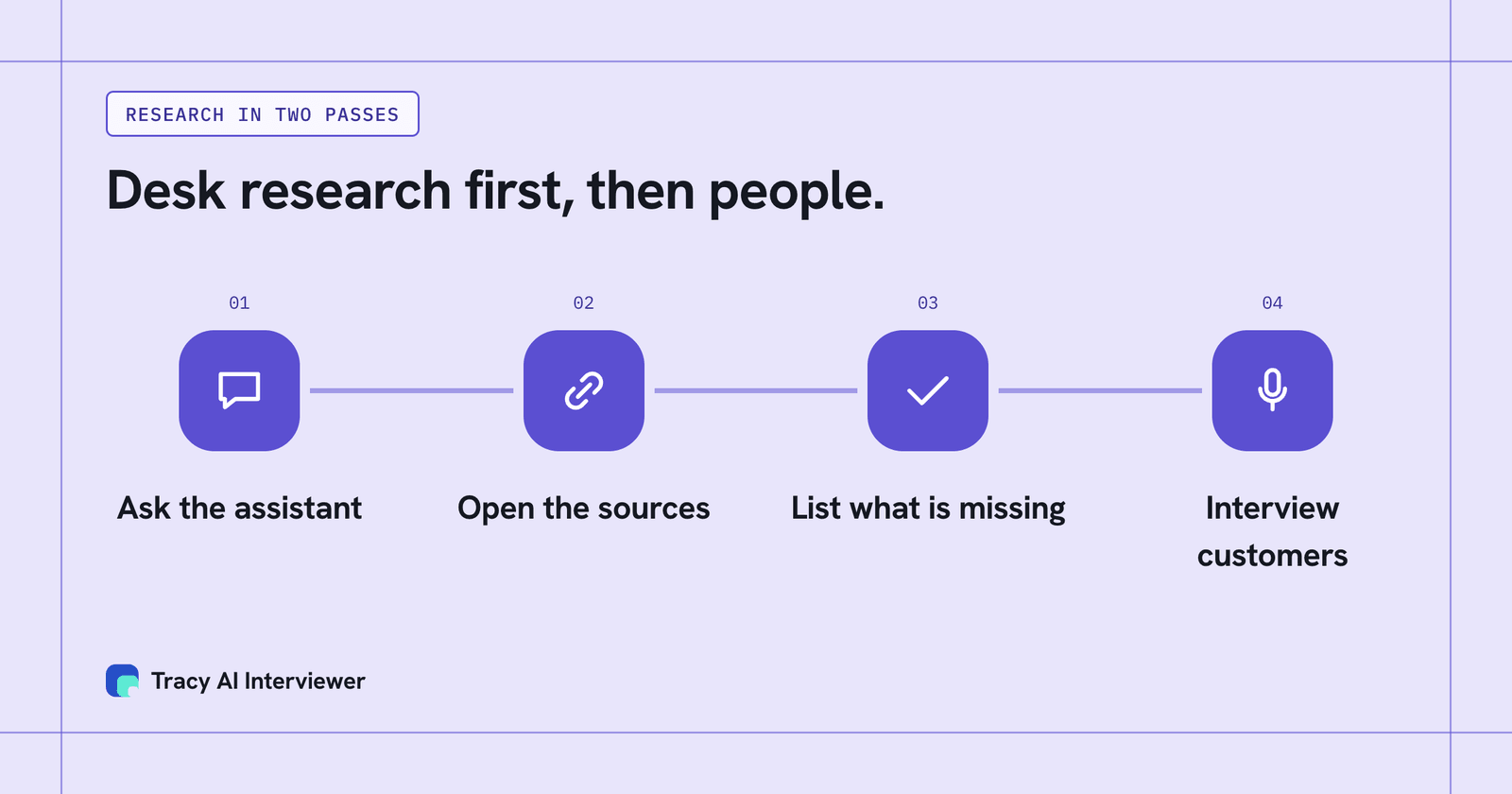
A report from Claude or Gemini comes first; the gaps it leaves become interview questions.
Where do both stop?
A research report can tell you what a rival charges or what reviewers wrote last year. Why your own customers stayed or left takes a conversation, and a calendar caps how many you can hold. Tracy AI Interviewer connects to Claude, and Gemini has its own setup guide in adding Tracy to Gemini. You describe what you want to learn, or paste your own guide, and Tracy drafts the interview questions for you to edit. The chat shows a preview, and nothing is created or sent until you approve it.
Customers join from a link, in a browser, when it suits them. There is no calendar and no account. When an answer is thin, the next question asks for the example behind it. The sample below uses an invented usability study.
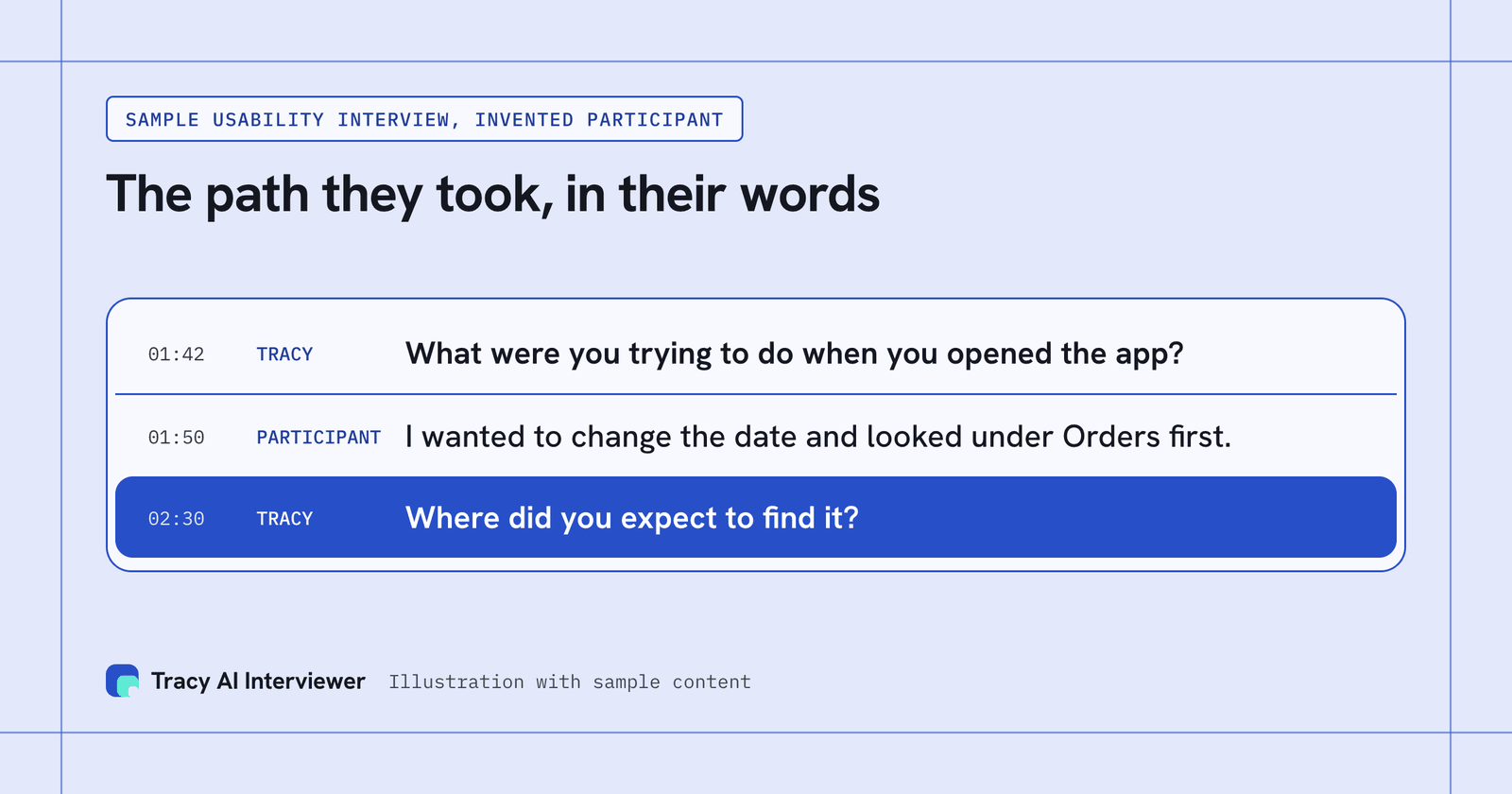
The follow-up asks where the participant expected the control to be, which a report from public sources cannot know.
Ask the chat for the results and each participant's answers come back, question by question, with the result fields. Every finding points back to the person's words at the time they said them. Grouping the answers into themes is work for Claude or Gemini, or for you. Tracy does not score or rank anyone. Claude for customer research shows that hand-off step by step, and how to run customer interviews covers the method.
Which path fits you?
- Research done mostly in Claude: Claude for research and Claude for qualitative research.
- Comparing a third tool: Claude vs Perplexity for research.
- Deciding for a business: Claude vs ChatGPT for business.
- Ready to interview customers: add Tracy to Claude.
Common questions
Is Claude better than Gemini for research?
Claude vs Gemini deep research?
Claude or Gemini for research and writing?
Can either one interview my customers?
Do I need both?
Start an interview from your AI chat
Connect Tracy to Claude and describe the study in plain words. You approve the preview before anything is sent. First 3 results free.
Try it free (opens in a new tab) Book a demo (opens in a new tab)
Your first 3 results are free. No card needed.
Sources
- Anthropic help center: Using Research on Claude, retrieved 22 Nov 2026.
- Anthropic help center: What kinds of documents can I upload to Claude?, retrieved 14 Nov 2026.
- Google Gemini Apps Help: Use Deep Research in Gemini Apps, retrieved 23 Nov 2026.
- Tracy AI Interviewer: Connect, retrieved 23 Nov 2026.