In short
As of November 2026, Claude's Research mode and Projects give a research team a fast first read of what is already published, and Tracy AI Interviewer, connected to Claude, interviews your customers on video.
Tracy drafts an interview guide from what you want to learn, and each customer answers in their browser when it suits them. The first 3 results are free.
Each finding comes with a quote and a timestamp. You read the evidence and decide what it means.
Using Claude for research starts with what it is good at: reading a lot, quickly, and showing you where to look next. A research team can use it to scan a field, summarise a stack of papers or interview notes and draft a plan. The limit is first-hand evidence. Claude works from sources and files, so a question about why your own customers behave as they do needs someone to ask them. This guide covers Research mode, a workflow for a team, what to check and where to hand the asking to an interviewer. For the qualitative side, see Claude for qualitative research.
What is Claude Research mode?
Anthropic says that with research, Claude investigates your question in depth: it runs multiple searches that build on each other and decides what to look into next based on what it finds. You turn it on from the + button in the chat and choose Research. Four limits apply:
- It is on paid plans: Pro, Max, Ultra, Team and Enterprise. Anthropic's pricing page marks Research as not included on Free. On Team and Enterprise it does not work if your admin has turned off both Claude Opus 5.5 and Claude Opus 4.8 for your role.
- Web search must be on for it to work.
- It can include your connectors when you start it in Claude on the web or Claude Desktop, but not tools from local MCP servers set up in Claude Desktop. From Claude Mobile it searches the web only.
- Research sessions can use up your limits faster than a normal chat.
How do you use Claude for academic research?
A workflow that suits a lab or a product research team:
- Write the question and what would count as evidence before you open Claude.
- Make a project for it. Anthropic describes projects as self-contained workspaces with their own chat histories and knowledge bases, with instructions you set once. Free accounts are capped at five. Upload the papers and notes: Claude accepts PDF, DOCX and CSV, up to 20 files per chat, 500MB per file and PDFs up to 1,000 pages.
- Run Research on the state of the field: what is published, where sources disagree, what is missing.
- Open every source Claude names and read the passage it relies on.
- Ask Claude to group your own notes into themes, and keep the quotes next to each theme.
- Write down what the desk work cannot answer. That list is your interview brief.
Try prompts such as: "List the claims this literature agrees on and the ones it disputes, with the source for each." Or: "From these notes, which questions did participants answer in different ways?" They are examples to adapt, so run them first on a topic you know.
For a thesis or a lab, the same workflow holds with one addition: ask Claude for the passage behind every citation and open the source yourself, because a literature review is only as sound as the sources it rests on.
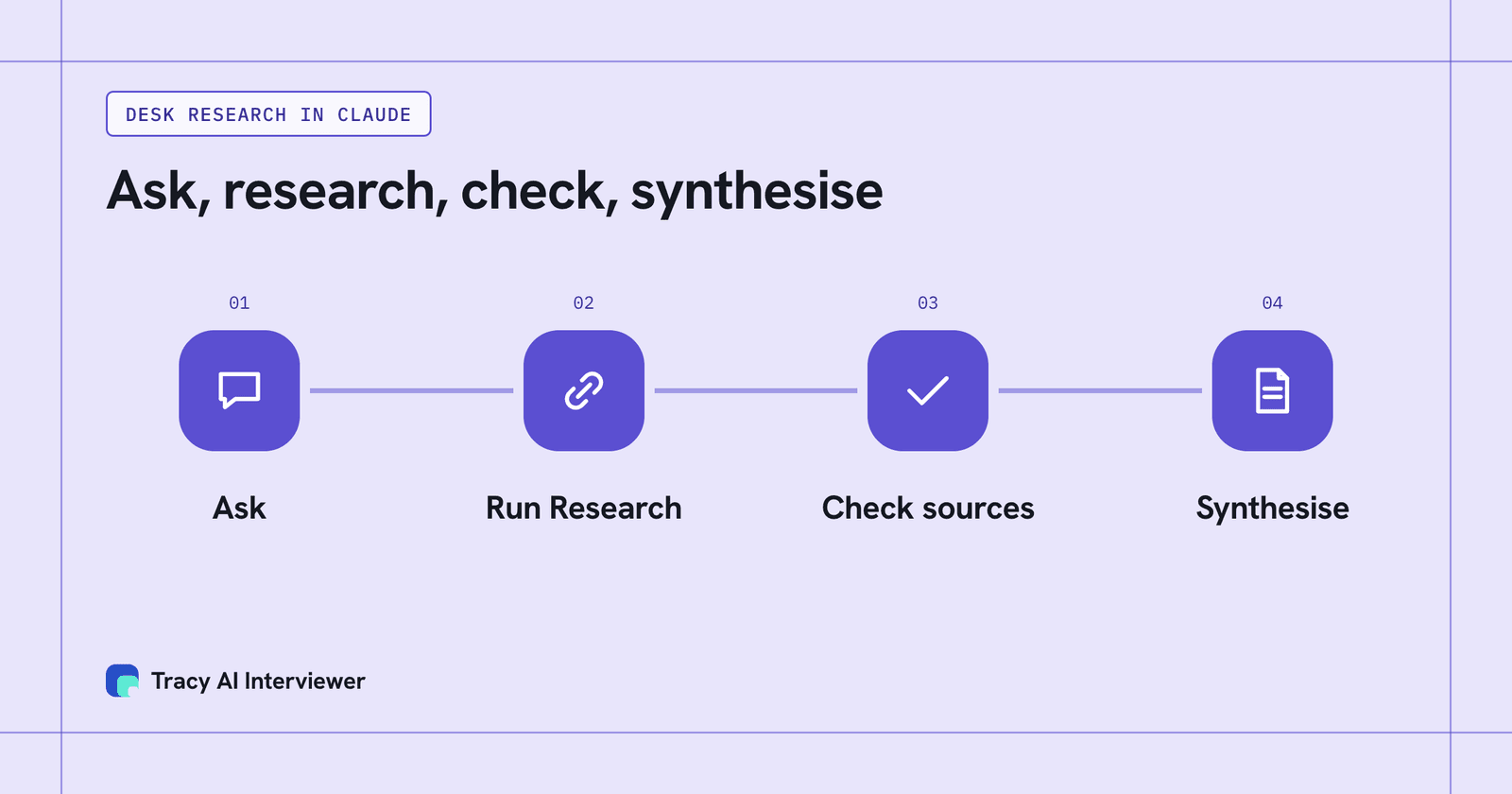
Ask, research, check the sources, then synthesise.
What should a research team check?
Check the sources first. Each claim from Research should lead to a passage you have opened. Then check your data terms. Anthropic's pricing page says Team includes no model training on your content by default, and other plans have their own terms, so read the plan's terms before you upload anything that identifies a participant. Remove names and ids you do not need.
The third check is scope. Claude's output describes the sources it found and says nothing about a population you have not studied, such as your customers.
Why desk research cannot explain your own customers
Desk research tells you what has been published. It does not tell you why the last ten customers who churned left, and a survey records what people picked from a list.
Tracy AI Interviewer connects to Claude through its MCP server, so you can run the asking from the same chat. Add it as a custom connector (Customize > Connectors, Add custom connector, paste https://tracyinterview.ai/mcp; the Claude setup guide has every step). Then describe what you want to learn. Tracy drafts the interview guide, or uses yours, and nothing is created or sent until you approve a preview.
Each customer opens a link in a browser with no account and is told before the first question that the conversation is recorded and transcribed. They answer at the hour that suits them and start on click, so nobody books a call. Run the interview from a normal chat, not from inside a Research session.
What the research lead reads when the interviews finish
Tracy asks one question at a time and presses on the vague part of an answer. Back in the same chat, ask Claude for the results: it lists, for each participant and each question, what was said, with the result fields and a quote and timestamp behind every finding. Tracy reports what people said and rates nothing; you read the evidence and decide what it means. This invented excerpt shows the shape for a churn study:
| Result field | Answer | Evidence |
|---|---|---|
| Reason for leaving | Weekly report never set up | Q1, at 01:35: "We never got the weekly report working, so the team stopped opening it." |
| Follow-up asked | Who was meant to own the setup? | After Q1 |
| What replaced it | A shared spreadsheet | Q2, at 03:20: "We went back to a spreadsheet the finance lead already trusted." |
Invented sample data.
Because every participant gets the same questions, you can set their answers side by side, and Claude can then group them into themes from your own notes and the quotes.
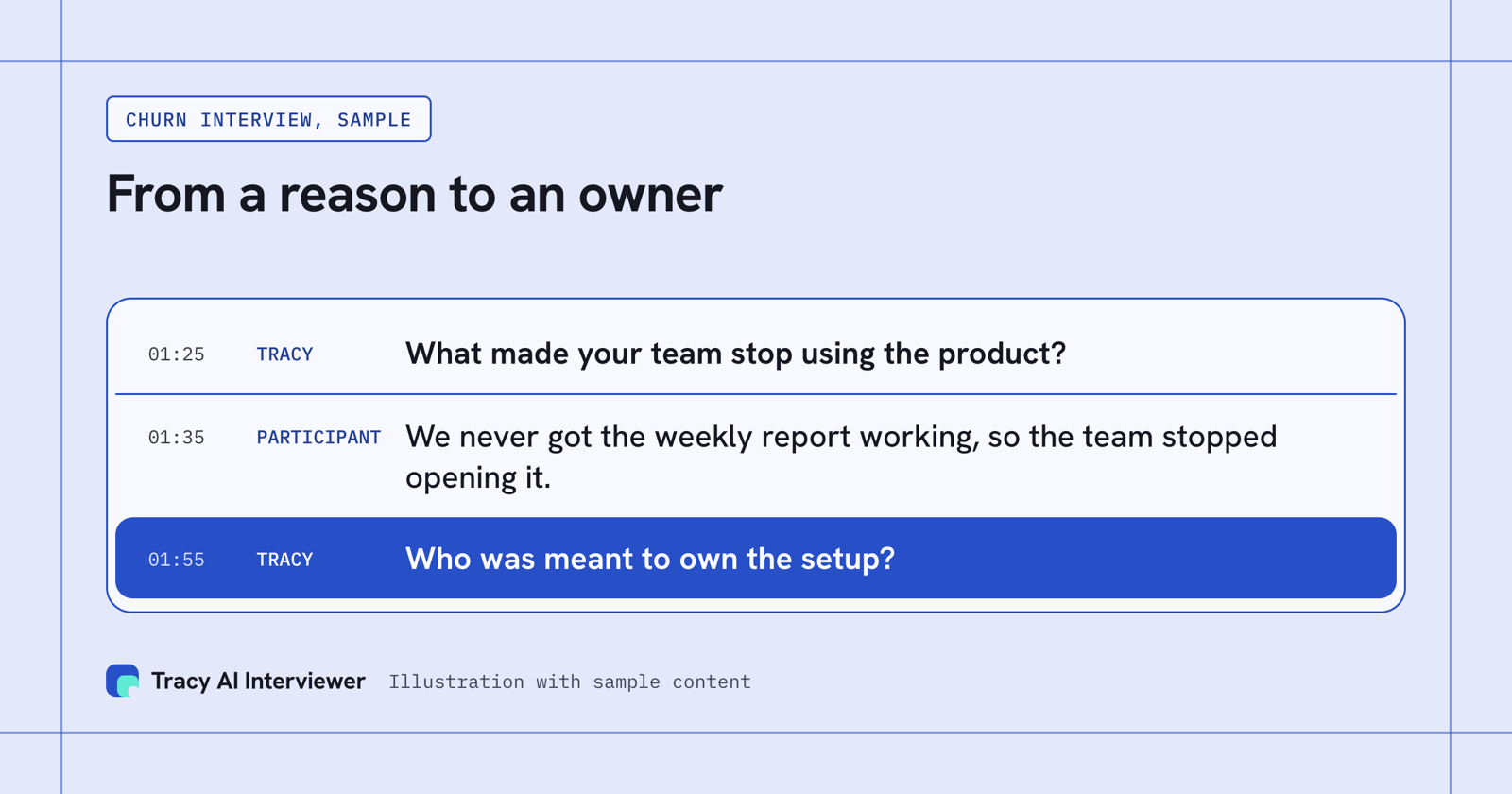
The follow-up turns a reason for leaving into a named owner.
Which path fits you?
- Working with transcripts and themes: Claude for qualitative research and Claude for market research.
- Running the interviews from Claude: Claude user interviews and AI customer interviews.
- Planning questions: customer discovery interview questions and win-loss analysis.
Common questions
How do I use Claude for academic research?
What is Claude Research mode?
Can Claude interview my customers?
Is Research included in the free plan?
Interview your customers from Claude
Connect Tracy to Claude, say what you want to learn, and approve the drafted guide. First 3 results free.
Try it free (opens in a new tab) Book a demo (opens in a new tab)
Your first 3 results are free. No card needed.
Sources
- Anthropic, Using Research on Claude, retrieved 22 Nov 2026.
- Anthropic, Claude pricing, retrieved 22 Nov 2026.
- Anthropic, What are projects, retrieved 14 Nov 2026.
- Anthropic, What kinds of documents can I upload to Claude, retrieved 14 Nov 2026.
- Tracy AI Interviewer, Connect, retrieved 15 Nov 2026.