In short
Claude covers the desk work of UX research well: plans, discussion guides, screeners and a first read of transcripts. Tracy AI Interviewer adds the interview itself. Every participant starts on click, a vague answer gets its follow-up, and a recording and timestamped transcript sit behind each result. You choose the questions, read the evidence and decide what changes.
What Claude does well in UX research
Claude for UX research handles the desk work around a study. It turns a research question into a plan, drafts the discussion guide, writes the screener and invite text, helps you read what came back and drafts the readout from findings you checked. The example here is a study of how people capture receipts in a travel-expense app, from first plan to readout.
The study is ready the moment the guide is. What it still lacks is someone to ask eighteen people the questions, and a chat cannot do that. Connect Tracy AI Interviewer and the chat gains that step: Claude sets up the interview, Tracy interviews each participant on video with follow-ups in their field, and Claude helps you read the results, with the recording a click away.
Where does Claude fit in a UX research project?
It fits at the two ends, planning and synthesis, and Tracy covers the middle.
Who does which stage of a UX study when Claude and Tracy work together.
| Stage | Claude | Tracy connected |
|---|---|---|
| Plan | Turns the question into a plan and a guide | Takes the approved guide, or your own questions |
| Recruit | Drafts the screener and the invite text | Invites the emails you give it; it does not find people |
| Interview | Not in the room | Video, follow-ups in the person's field, no calendar |
| Synthesise | Reads results, groups answers, pulls quotes | Recording and transcript behind each result |
| Share | Drafts the readout from findings you checked | Evidence to link: the quote and its timestamp |
What Tracy adds to Claude for UX research
Three things change when Tracy does the interviewing.
01 Reach every participant
Each participant starts on click, at any hour, with no scheduling and no researcher on the call. Eighteen participants need one link, not eighteen calendar slots.
02 Ask the next question
Tracy asks in the participant's own field, follows what they said and waits for the answer. "The camera is fiddly" becomes which part, and when.
03 Keep the evidence
Every result includes a recording, a timestamped transcript and a written assessment per question with its reasoning.
How do you plan the study in Claude?
Start with the decision, not the topic. Tell Claude what you will change depending on the answer, for example whether to redesign receipt capture or leave it. Ask it for a guide of eight to ten questions, then ask it to mark any question that leads the participant. Nielsen Norman Group warns that leading questions or pressing for answers can produce opinions that are not real preferences, and that people asked about typical behaviour describe an idealised workflow. Rewrite those questions to ask about the last time something happened. For example, "When did you last upload a receipt, and what happened?" asks for an event, where "Is capturing receipts easy?" asks for an opinion.
Bring in your own questions where you have them. Tracy uses them as written, and drafts the rest from your brief if you ask. Ten questions, each with a follow-up, are in the discovery question list.
How do you run the interviews from a Claude chat?
Add the connector once, then ask in plain language. The setup walkthrough covers the first prompt, and the Claude setup guide covers each setting. After you approve the draft, send the link to the participants you recruited. They open it in a browser at a time that suits them, with no account, and are told on the join screen that the conversation is recorded and transcribed. Tracy waits for the end of each thought and asks for the missing detail, so a participant who says "the camera is fiddly" is asked which part, and when. Tracy has delivered 100K+ interviews, with a reported 99% completion rate.
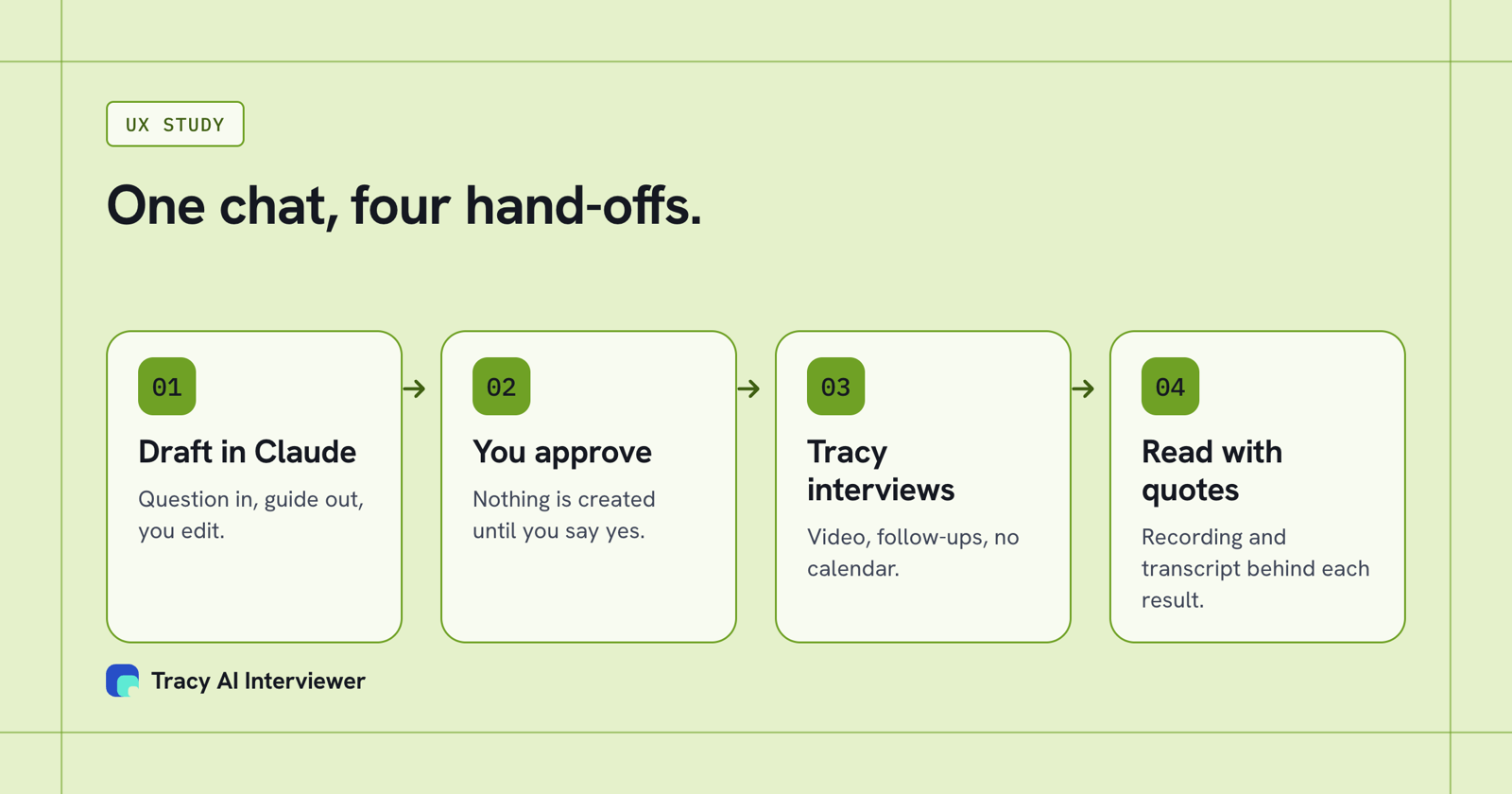
You ask and approve in Claude, Tracy interviews, and Claude helps you read it with evidence attached.
Where UX research stalls: the booking step
A discussion guide takes an afternoon. The study then waits on calendars. Say the receipts study needs eighteen participants and each session runs 20 minutes. That is six hours of live moderation, and every session needs its own calendar slot. Claude cannot take any of those sessions, so the plan sits until a researcher finds the hours.
With Tracy connected, you approve the draft once and send one link. Each of the eighteen people opens it when it suits them, and the six hours leave your week. What stays with you is the part that needs a researcher: reading the evidence and deciding what to change.
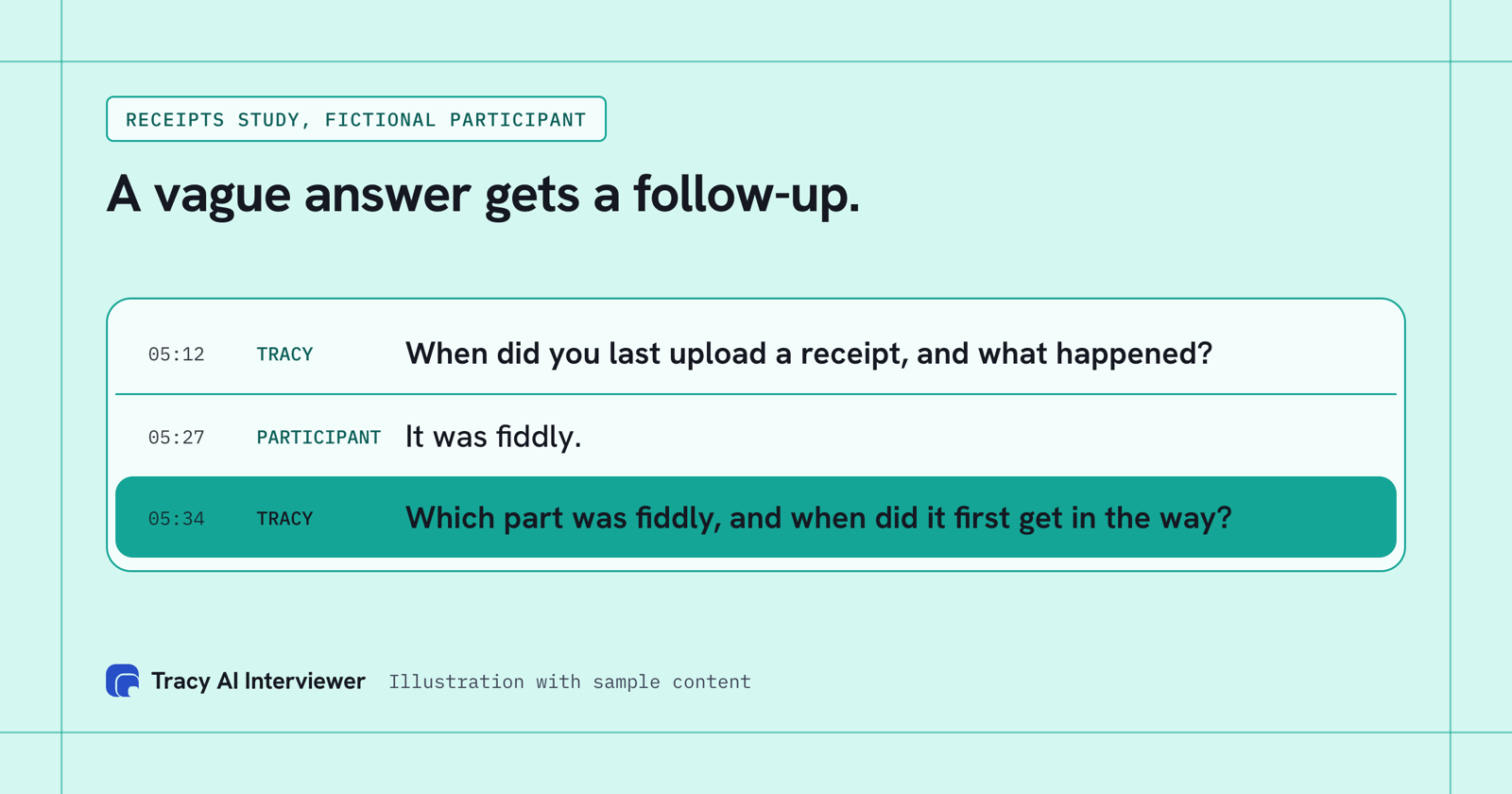
A vague answer gets one specific follow-up, and both lines are timestamped.
How do you go from interviews to insight?
Read in this order. First ask Claude what each question produced, one question at a time, instead of asking for one big summary. Then ask for the answers that do not fit the pattern, because a theme with no counter-example is usually a theme you have not tested. Then ask for two quotes per theme, and open the recording at each timestamp before the quote goes into a readout. Tracy gives what each person said to each question, with the words and timestamps, and that is what you cite, not Claude's paraphrase. Grouping answers into themes is Claude's job or yours; Tracy does not do it.
Keep your own reading in the loop. Claude groups quickly, but only you know which odd answer matters. Claude for qualitative research goes through the coding step in more detail, and a method for reading transcripts covers the steps.
Where should a researcher still run the session?
Run it yourself when you need to watch someone use a prototype on screen, which Tracy's pages do not state it does, when the topic is sensitive, or when a participant needs an adjustment only a person can make. Run it yourself, too, for the two or three accounts where the relationship matters more than the sample. Most studies mix the two: you take the sessions that need you and the chat handles the rest. Win-loss analysis shows the same split for buyer interviews.
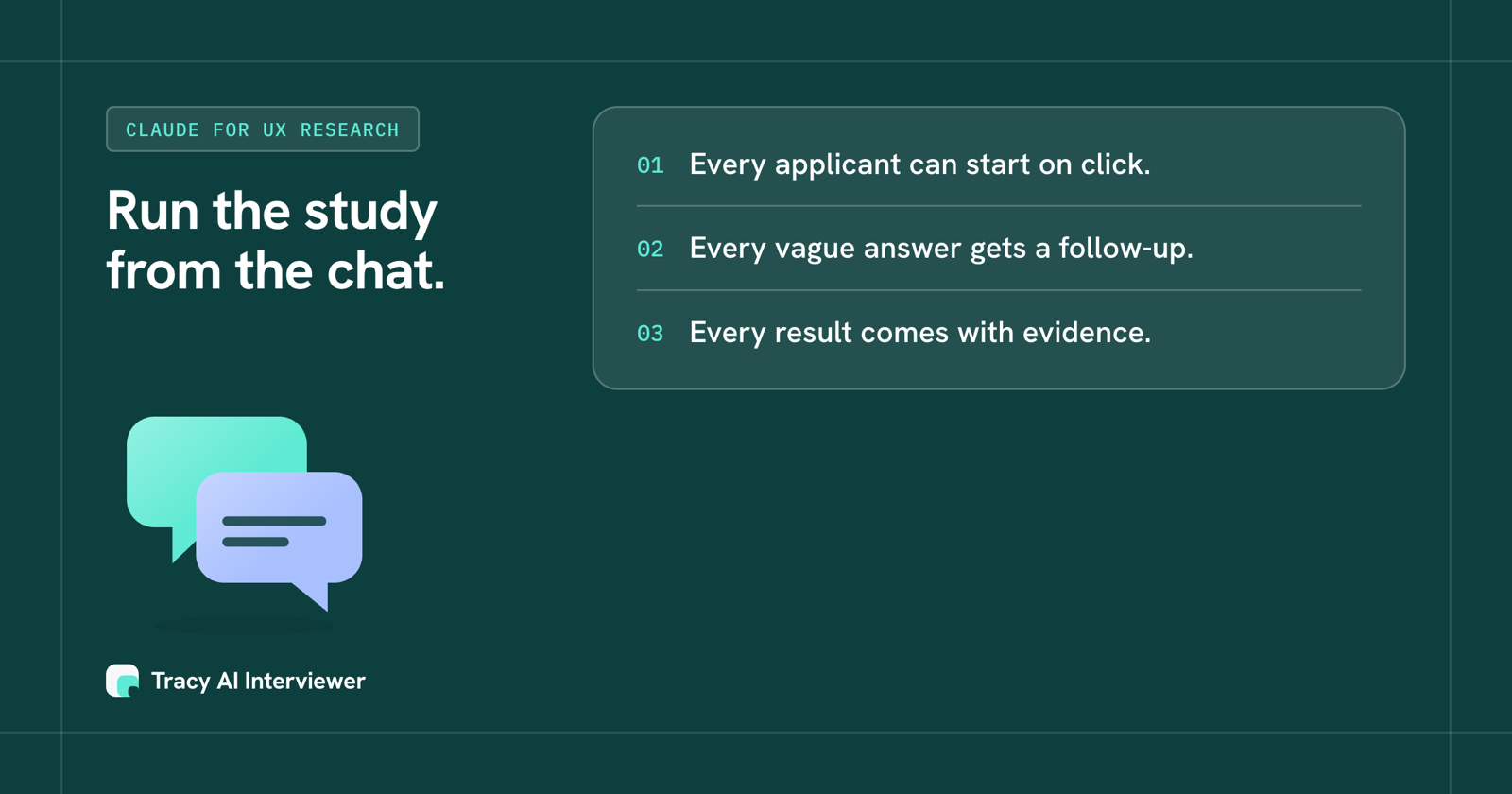
Every applicant can start on click, every vague answer gets a follow-up, every result comes with evidence.
Which path fits you?
- Running one study this month: Claude user interviews, step by step.
- Weekly discovery as a product manager: Claude for product managers.
- On ChatGPT instead: ChatGPT for UX research.
- Wider market questions: Claude for market research.
- Choosing a research platform: best AI-moderated interview platforms.
The customer research use case shows the whole flow in one place.
Common questions
Can Claude do UX research?
Can I use Claude for user research without a research background?
Does Claude replace a UX researcher?
How many participants can I run?
What do participants see?
Can Claude invite participants?
Run your next study from Claude
Connect Claude and approve a draft to get every participant interviewed with evidence behind each result. The first 3 results are free.
Try it free (opens in a new tab) Book a demo (opens in a new tab)
Your first 3 results are free. No card needed.
Sources
- Add Tracy AI Interviewer to Claude (public guide), retrieved 9 Nov 2026.
- Tracy AI Interviewer customer research use case, retrieved 9 Nov 2026.
- Tracy AI Interviewer home page, retrieved 11 Nov 2026.
- Nielsen Norman Group: Interviewing Users (25 Jul 2010), retrieved 14 Nov 2026.