In short
Tracy AI Interviewer lets you draft, invite and review interviews from a Claude chat. Nothing is created until you approve the draft.
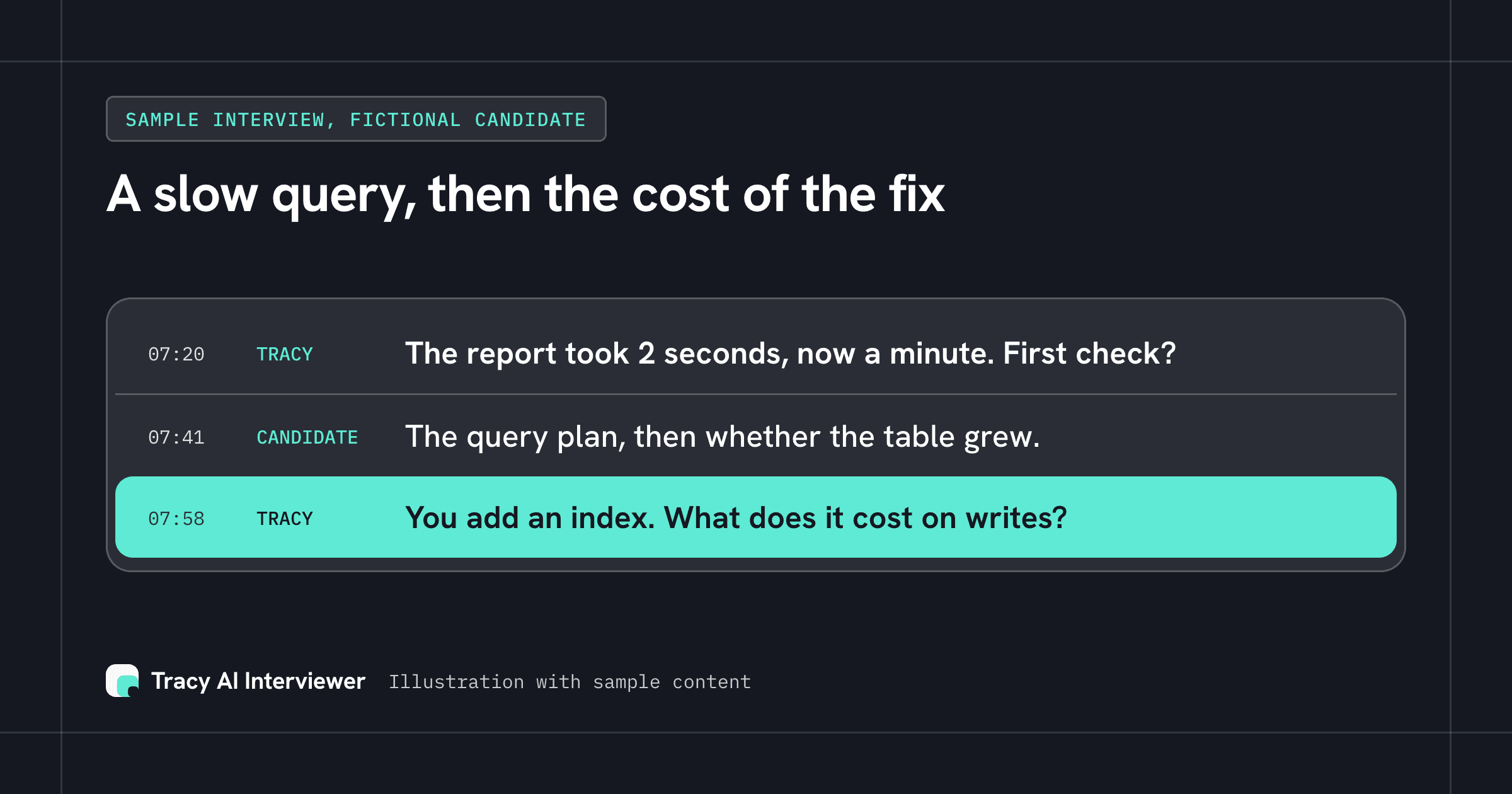
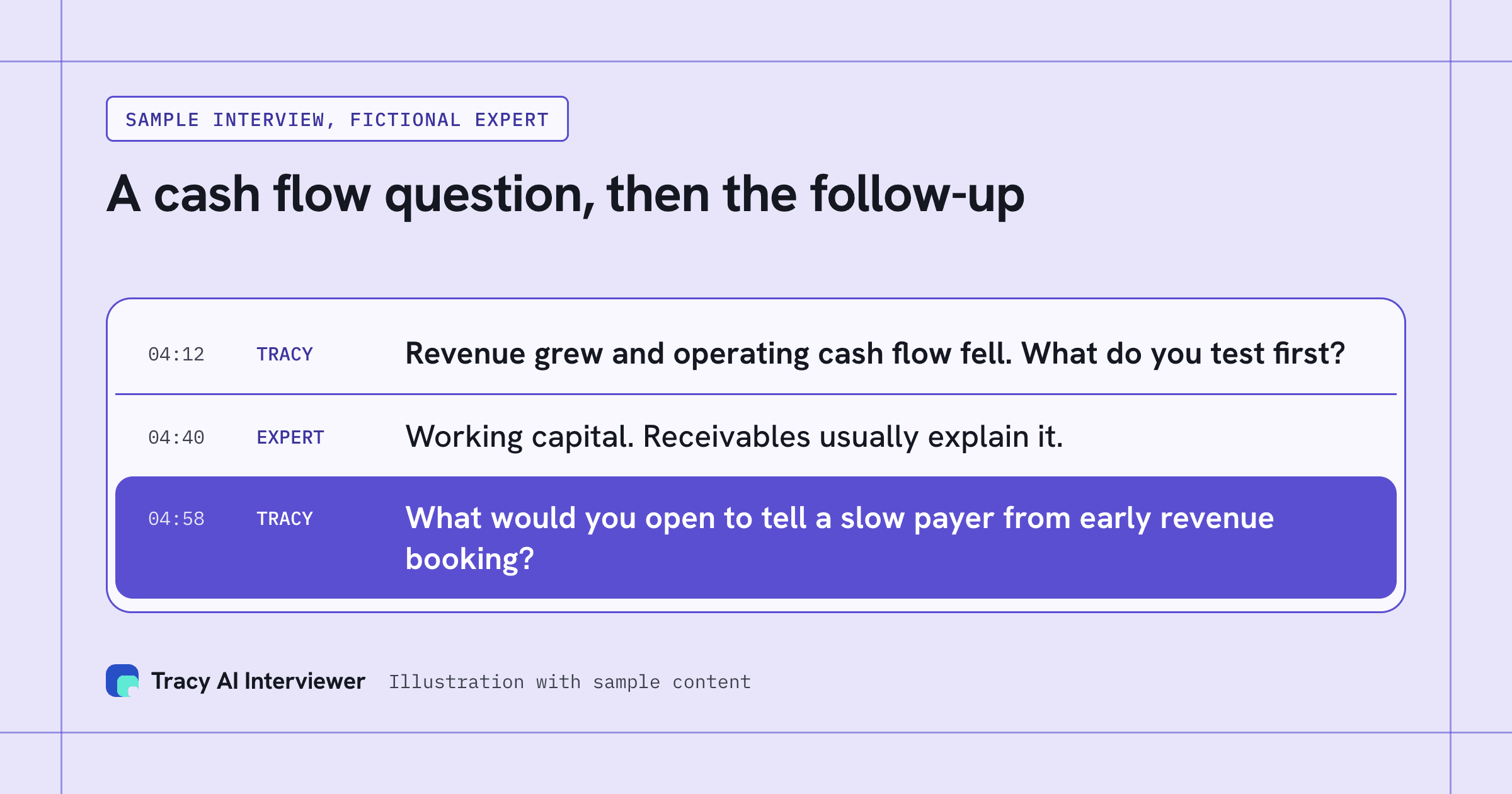
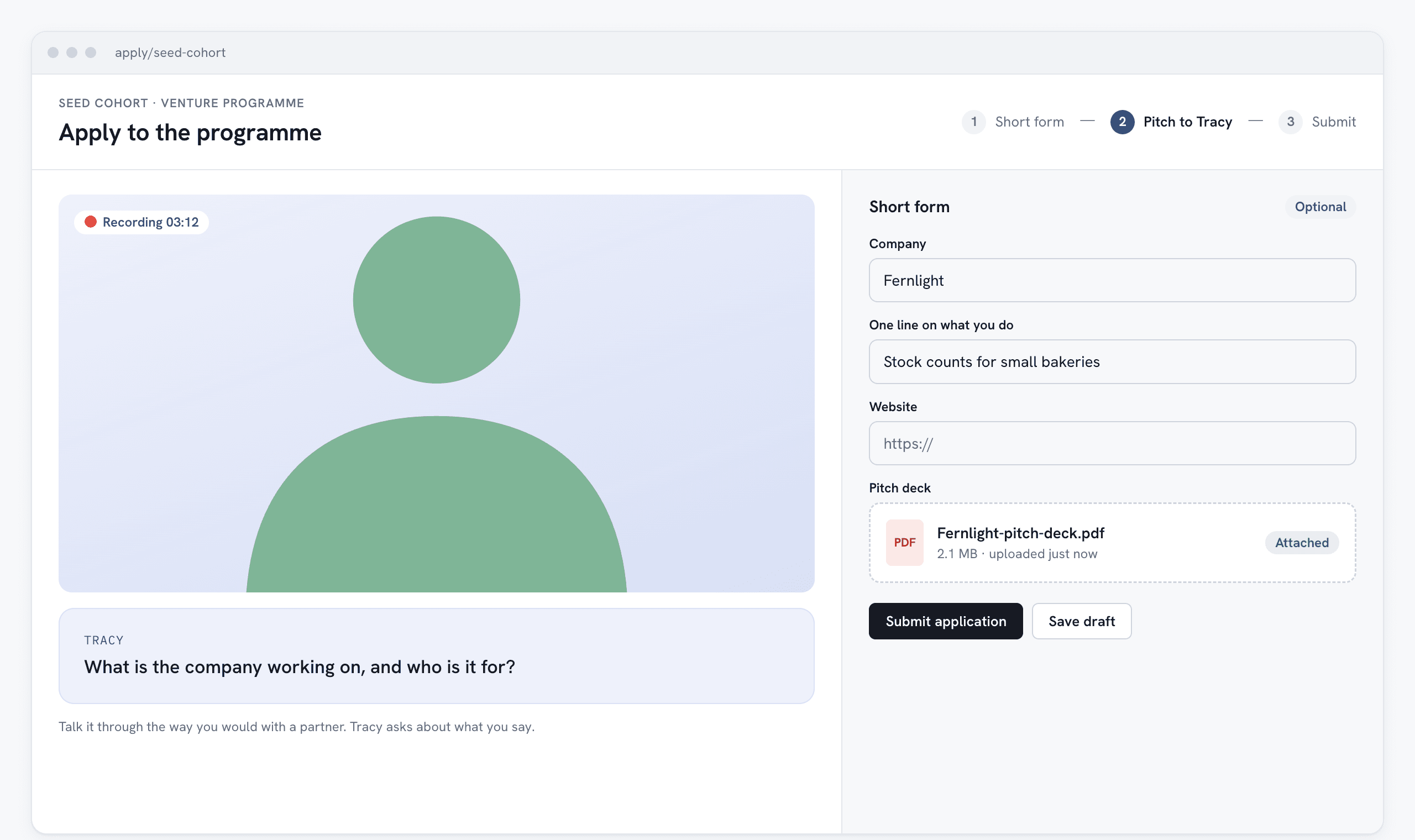
Tracy still runs the interview: video in the person's browser, with follow-ups in their own field, and a recording, transcript and assessment per question for a person to decide from.
Setup is one custom connector at tracyinterview.ai/mcp. Claude asks before each use, and the connector acts only on your own account.
Next step: add the connector.
We make Tracy AI Interviewer.
You already describe an interview in words before you build it: who you are talking to, what you need to learn, how long it should take. Then you copy those words into a form. A Claude interview setup skips the copying. With Tracy AI Interviewer added to Claude as a connector, you ask for the interview in plain language and Claude comes back with a draft to read.
A vague prompt costs you a re-read, not a live link, because nothing exists until you approve the draft. The same chat can invite people and read results, so you do not switch tools to see who has finished. The interview itself stays Tracy's. She interviews each person on video, asks follow-ups in their own field and waits for the end of the thought. Claude is where you set the interview up and look at results.
What the connection is
MCP, the Model Context Protocol, is a standard way for an AI app to call tools in another service. Tracy AI Interviewer publishes one at tracyinterview.ai/mcp. Claude, ChatGPT, Mistral, Gemini and Copilot Studio can all add it. This page covers Claude. Our ChatGPT guide covers the other large chat app, and the Connect page lists every route, including Slack.
What Claude can read and change in your Tracy account
Once the connector is on, you can ask Claude to:
- Draft an interview from a short brief. The draft shows the title, the questions and the result fields. You ask for changes in the same chat and say yes when it is right.
- Create it once you approve, and give you the public link.
- Invite people to an interview.
- Read results by asking for them.
- Check your balance of free results and credits.
The connector asks for one permission, named tracy, and acts only on your own account. Claude also asks before it uses Tracy: you choose Allow once, or Always allow to stop being asked. In Claude's connector settings the tools are grouped as 7 read-only and 6 write tools, each group set to Needs approval, and you choose when Claude may use them. You can revoke access at any time under Connected AI apps in your Tracy account, and it stops at once.
Tracy, not Claude, conducts the interview. The person being interviewed opens a link in a browser, with no account, and is told on the join screen that the conversation is recorded and transcribed. What they meet there is the same video interview the web app runs.
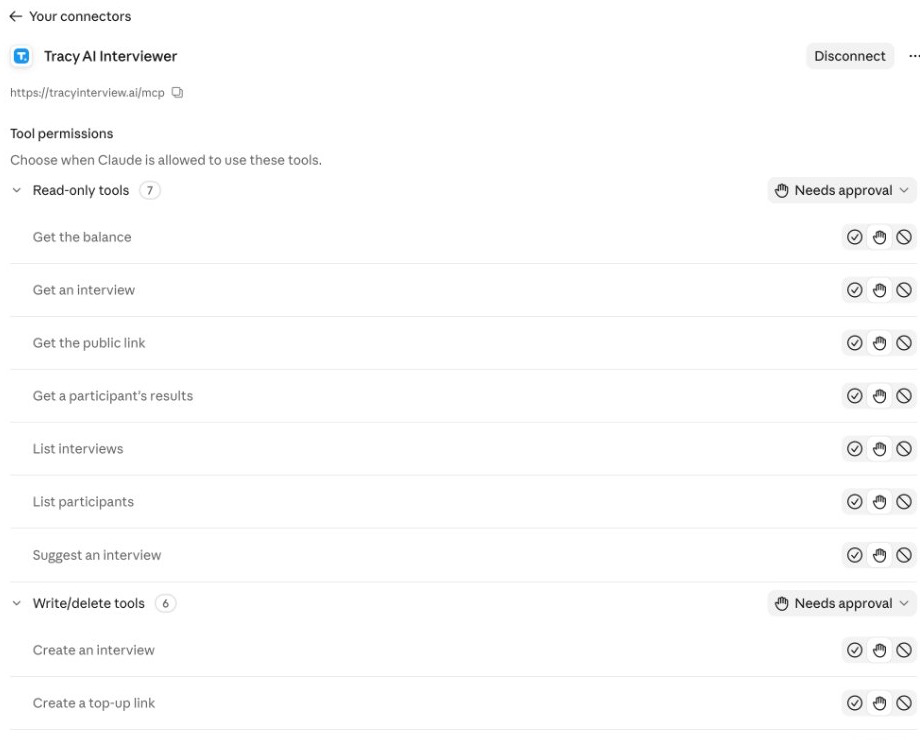
You choose when Claude may use each Tracy tool, and every group is set to Needs approval.
Five jobs to hand to the chat
- Draft from one sentence. The guide's own first prompt is: "Use Tracy AI Interviewer to set up a customer discovery interview for people who cancelled in the last month, then give me the public link." Claude replies with a draft, not a live interview.
- Rework the draft. Ask for fewer questions, a different order or a deeper style before you approve. Tracy can also start from your own questions.
- Invite people. Ask Claude to invite them, and read the step Claude shows before you allow it. Tracy's Connect page shows invitations from chat in ChatGPT as a preview before anything is sent.
- Read where results stand. Ask who has finished. Each result opens to a recording and a timestamped transcript, with a written assessment for each question.
- Check credits before a batch. Ask how many free results and credits you have left. Claude asks for approval first, as in the screenshot below.
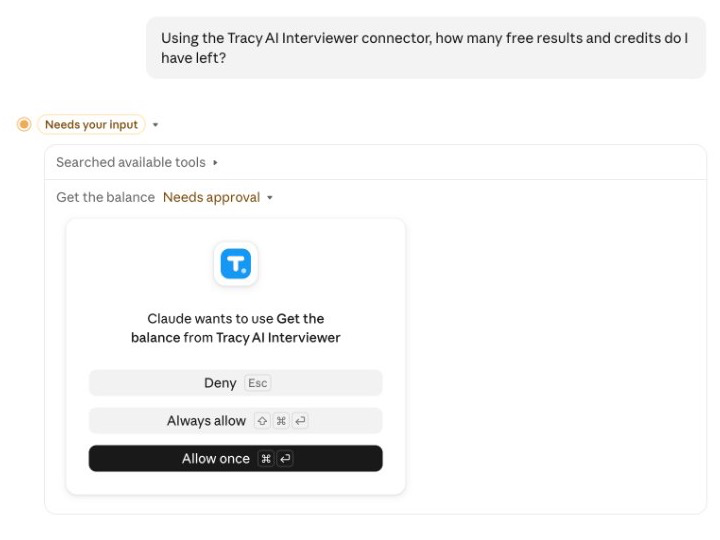
Claude asks for your approval before the connector reads your Tracy balance.
Set up a Claude interview in five steps
The steps are the same in Claude Desktop and in claude.ai. Custom connectors work on the Free, Pro, Max, Team and Enterprise plans. The Free plan allows one custom connector.
- Open Customize > Connectors in Claude.
- Click + Add, then Add custom connector.
- Name it
Tracy AI Interviewer, paste the addresshttps://tracyinterview.ai/mcp, then click Continue and Add. Leave the detected sign-in options as they are. - Click Connect, sign in to Tracy if asked, then click Allow.
- Start a new chat. Select the + button at the lower left, then Connectors, and make sure Tracy AI Interviewer is switched on for that conversation. Send the first prompt.
On Team and Enterprise, an owner adds the connector first under Organization settings > Connectors: Add, Custom, then Web, with the same name and address. Each member then opens Customize > Connectors and clicks Connect.
Ready to try it? Connect Claude and draft one interview.
To check it worked, open your Tracy account and find Connected AI apps. Claude is listed there with the time you connected it. Tracy answers the first prompt with a draft of the title, the questions and the result fields.
Developers who work in Claude Code add it from a terminal with claude mcp add --transport http tracy https://tracyinterview.ai/mcp, then run /mcp and sign in. Run claude mcp list to confirm: tracy should read Connected.
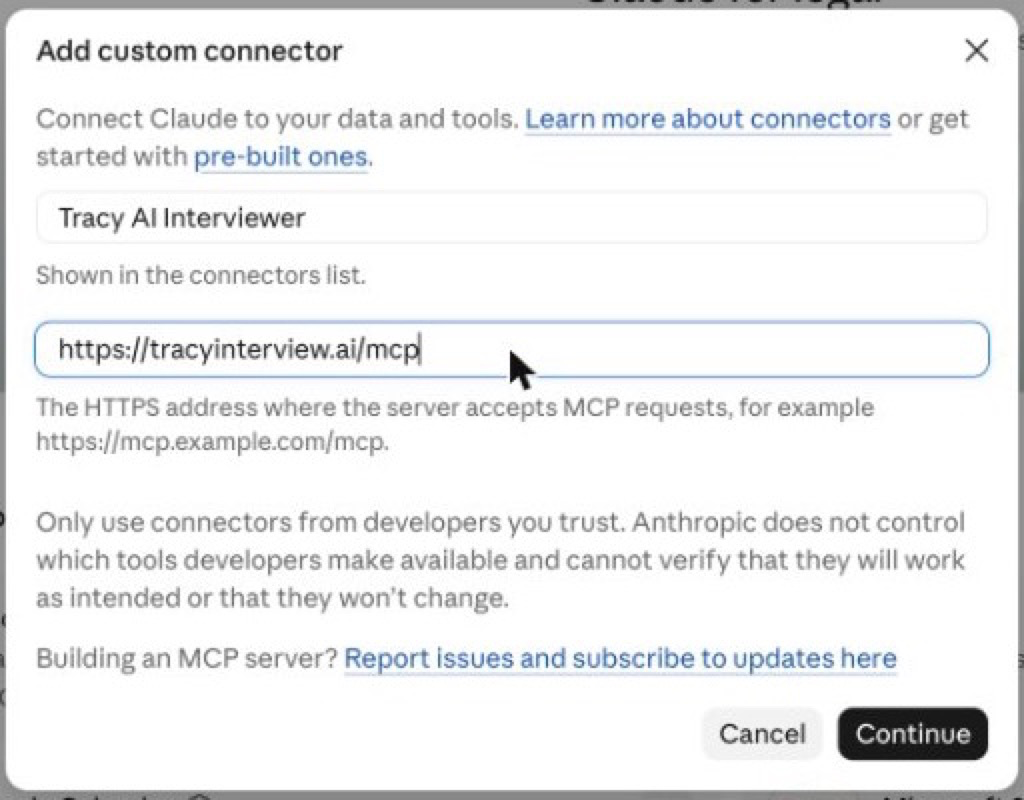
The whole setup is a name and one address in Claude's custom connector dialog.
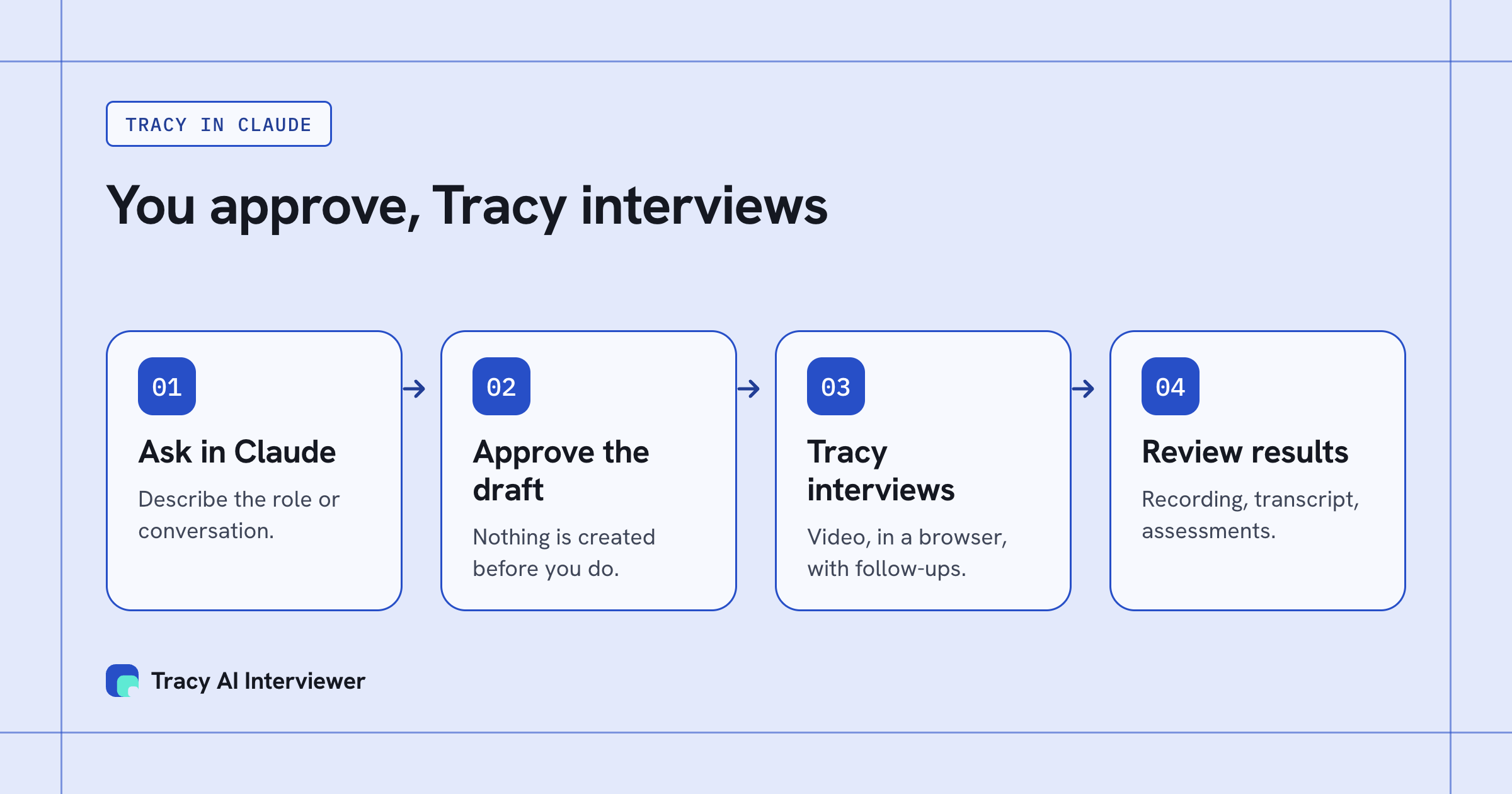
You approve the draft in Claude, and Tracy runs the interview and keeps the evidence.
If it does not work
- Tracy is not in your connectors. On Team and Enterprise an owner has to add it first. Ask them, then connect it yourself.
- The sign-in did not finish. Open Customize > Connectors, find Tracy AI Interviewer and click Connect again. If Claude is missing from Connected AI apps in your account, the sign-in was not completed.
- The connector is off in the chat. Use the + button, then Connectors, and switch it on for that conversation.
- Access was removed. If you revoked Claude under Connected AI apps, it stopped at once. Connect it again with the steps above.
What stays with people
Claude drafts and reports, and you decide. Read each draft before you approve it, because the questions are what every person will be asked. Read the results yourself: a recording, a timestamped transcript and a written assessment per question sit behind each one, with integrity signals and their evidence for a human reviewer to interpret. A signal is a prompt to look, not proof of anything, and the decision stays with you. Our guide to AI interview reports shows what a reviewer reads.
Cost follows the same rule as the web app. It is $1 per credit, one credit per started 20 minutes of an interview that produced a result. The first 3 results are free with no card, there are no seats, and a session with no answers is never charged. The pricing page has the current plan.
Which path fits you
- Research leads running discovery calls: start from customer research.
- Expert supply and talent platforms vetting specialists: see expert vetting.
- Teams with many applicants: see hiring at volume.
- Slack or ChatGPT instead of Claude: the Slack guide and the ChatGPT guide cover them.
- Prefer a browser: the web app does the same job without a chat. What the interviewed person sees is on the participant experience page.
Common questions
What is a good Claude interview prompt for Tracy?
Can Claude run the interview itself?
Is this Claude interview prep for candidates?
Which Claude plans work?
Does Claude get access to my other data?
Is there an extra charge for the connector?
Try Tracy on your next role
Tracy interviews every applicant, asks follow-up questions and sends you a ranked shortlist.
Try it free (opens in a new tab) Book a demo (opens in a new tab)
Your first 3 results are free. No card needed.
Sources
- Tracy AI Interviewer Connect page, retrieved 9 Nov 2026.
- Add Tracy AI Interviewer to Claude (public guide), retrieved 9 Nov 2026.
- Tracy AI Interviewer pricing, retrieved 5 Nov 2026.