In short
HR teams use Gemini to draft job descriptions and policy text, summarize pasted material and save repeat work in a Gem. It has no record of what your employees think unless someone collects it.
Tracy AI Interviewer connects over MCP in the Gemini app with a personal US Google Account, or in Gemini Enterprise through an admin. Work and school accounts cannot add it in the app yet.
Once connected, the chat drafts a check-in or exit interview for your approval and reads back what each person said.
Gemini for HR means using Google's assistant for the writing, summarizing and spreadsheet work that fills a people team's week. It sits in Google Workspace, so a drafted policy lands in Docs and a survey summary lands in Sheets. Gemini can draw on the files and Workspace content you point it to, but it has no record of what an employee in week four thinks unless someone asks.
That gap is where Tracy fits. Tracy connects to Gemini through MCP, runs check-ins and exit interviews itself, asks a sharper question when an answer is vague, and returns what each person said with the words behind it. The Gemini app route needs a personal Google Account, because a work or school account cannot add a custom app yet. A Workspace team therefore goes through an admin and Gemini Enterprise. The steps are below, after the prompts. If MCP is new to you, a two-minute MCP explainer covers it.
How can HR use Gemini?
HR can use Gemini to draft documents, build tables from a description, summarize meetings and ask questions about uploaded files. Google's Workspace page lists these: Gemini as an everyday assistant, Docs drafting that adapts to your tone, Sheets that populate tables from natural-language prompts, AI note-taking in Meet on the Business Standard plan, and Gemini Notebook, a research assistant grounded in documents you upload.
Two statements on that page matter to a people team. Gemini "only retrieves relevant content in Workspace that the user has access to," and admins can restrict its access to sensitive data with data loss prevention. Google also says company data on Workspace plans is not used to train Gemini models. Check your own plan's terms before you paste anything about a named employee.
Gemini prompts for HR to copy
These six prompts assume you paste your own text in. Remove names and personal details first.
- Job description: "Draft a job description for a [role] from these notes. Keep it under 400 words, list five must-haves and say what the first 90 days look like."
- Policy in plain words: "Rewrite this leave policy for employees at a reading age of 12. Keep every rule and number, and add five questions people usually ask."
- Interview guide: "Write six structured interview questions for [role], each with a follow-up that tests the answer."
- Onboarding plan: "Turn this checklist into a week-by-week plan for a new [role], with an owner for each task."
- Survey comments: "Group these anonymous comments into themes and quote one line per theme."
- Manager talking points: "Write a five-point brief for managers announcing [change], with answers to the three hardest questions."
Prompts 1 and 3 also carry over to Gemini for recruiting. The same shapes work in other assistants too: see ChatGPT prompts for HR.
Set up a Gem for HR
A Gem is a saved version of Gemini with your instructions. Google's steps: go to gemini.google.com, open Settings, then Gems, click New Gem, enter a name and instructions, optionally add knowledge files, and click Save. A Gem you create in the Gemini web app also shows up in the Gemini mobile app and the Gemini side panel in Workspace, and you can share it.
Two cautions from Google's Gems help page. Gems cannot be used with Gemini Live. And "starting in November 2026, Gems will go away on personal Google accounts and automatically transition to skills," so keep your Gem's instructions in a document you own. Work or school accounts are subject to different terms. Google's help page is the place to check whether skills have replaced Gems on your account by the time you read this.
Can Gemini hear from your people?
Exit surveys collect one-word answers, and a manager has no time for every 30-day check-in. Gemini can draft better survey questions, and a real conversation still needs something that waits for the end of an answer and asks what the person meant.
Tracy takes that job. You choose the conversation (an onboarding check-in, an engagement check or an exit interview), bring your own questions or describe what you want to learn, and Tracy talks with each person in a browser link, no account needed. A short answer gets a kind, sharper question. Each person sees a notice on the join screen that the conversation is recorded and transcribed. The exit interview questions and 30-60-90 day check-in questions pages have question sets to start from, and AI interviews for people teams covers the full workflow.
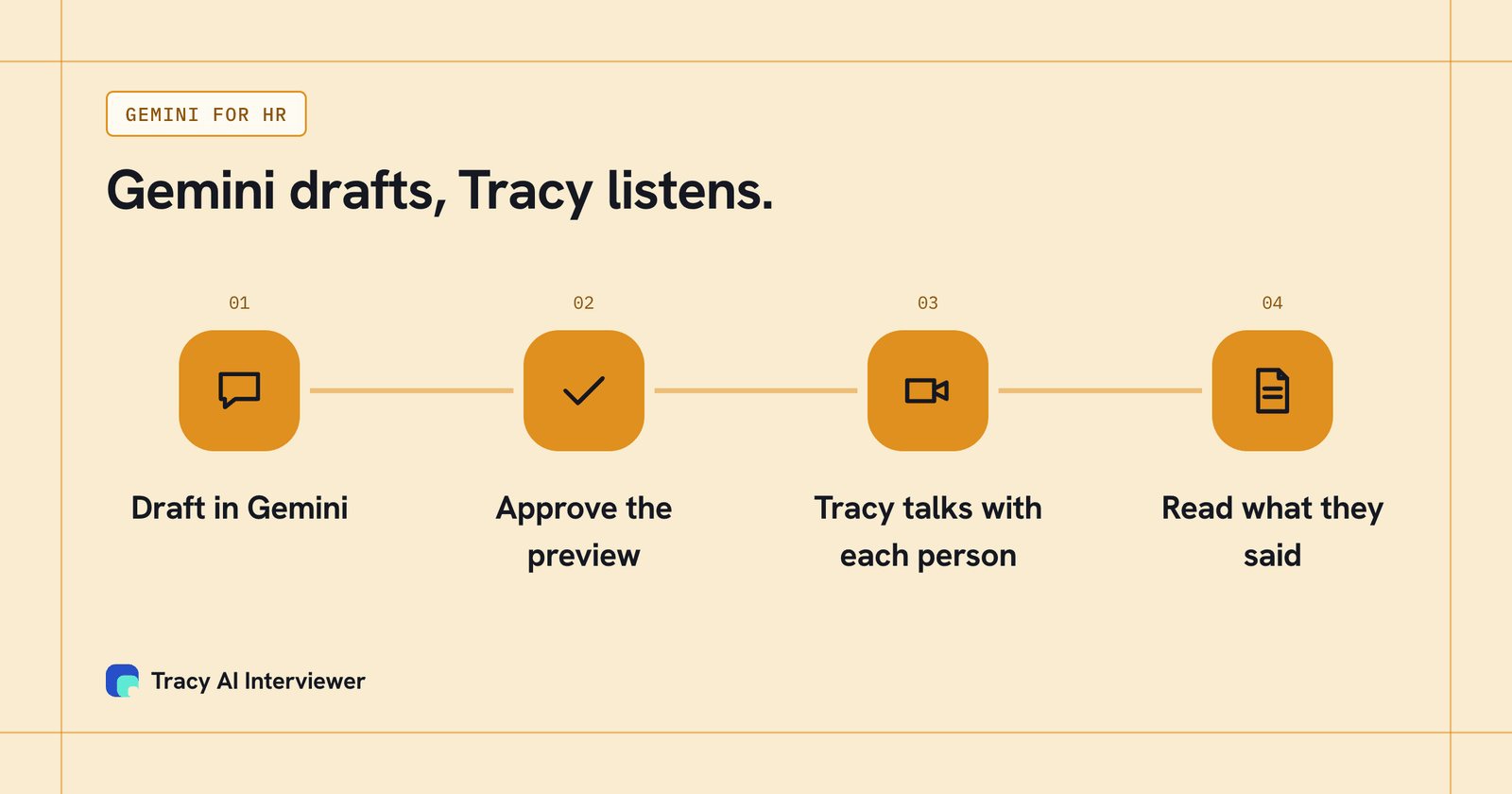
Gemini drafts the check-in, you approve it, and Tracy collects what people say.
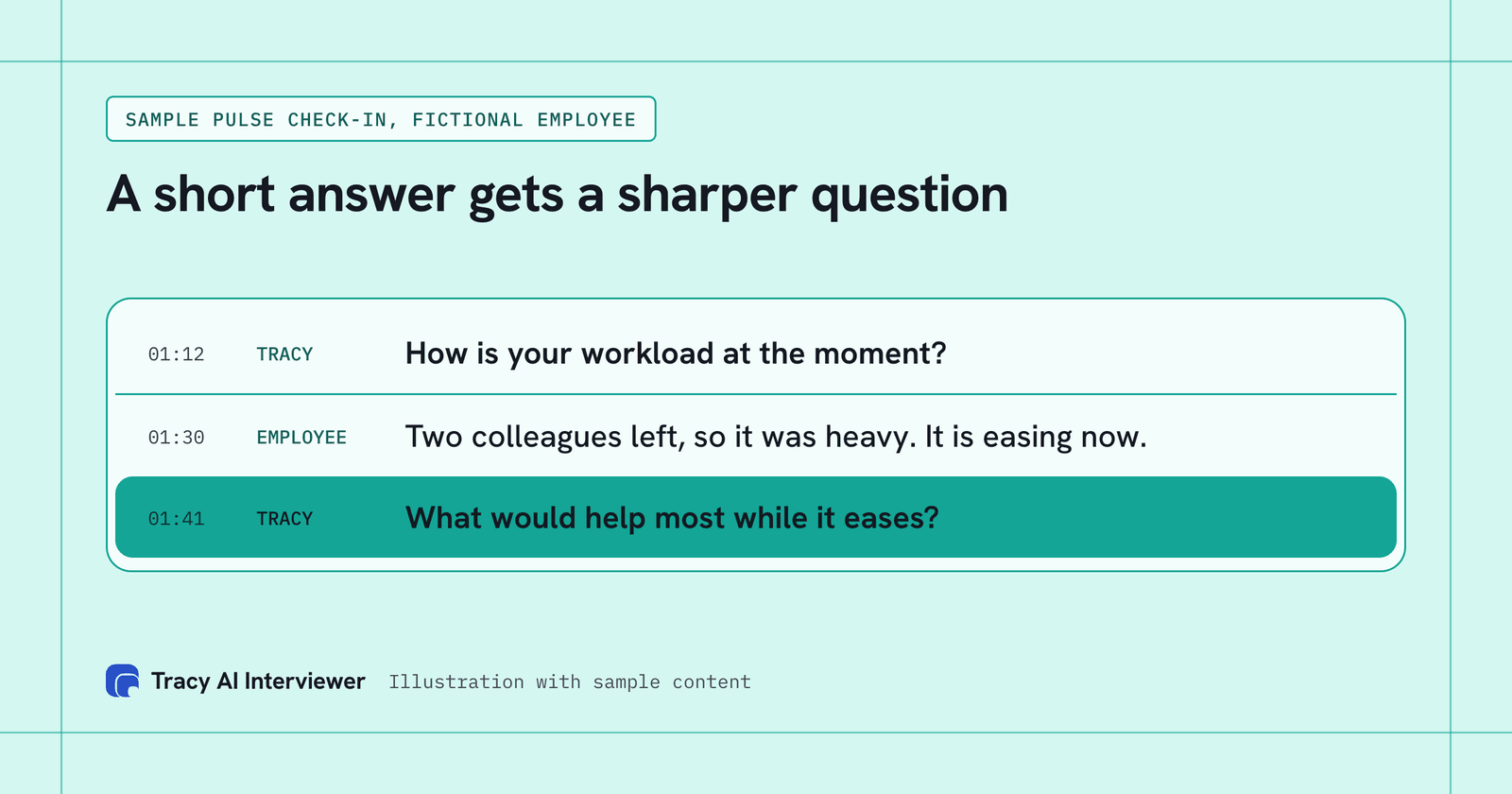
A short answer about workload gets a follow-up about what would help.
What the people team reads afterwards
In the sample, the people team sees two fields with their evidence: Workload (heavy last month, easing; Q1, 01:30) and Blocker (access to the reporting tool; Q2, 03:10). Each carries the time of the words behind it. Tracy leaves the judgement to people, because it does not score or rank anyone, and a person follows up with each employee.
Once connected, Gemini can read results back in the chat, with what each person said to each question and the result fields. The report is a link, and Tracy is SOC 2 Type II attested, with the report on request at hello@tracyinterview.ai.
How to connect Tracy to Gemini
Tracy's guide covers two routes.
- Gemini app. You must be 18 or over and in the US, sign in with a personal Google Account and keep Activity on. A work or school Google Account cannot add a custom app yet. Open Settings, then Connected Apps, click Custom, paste
https://tracyinterview.ai/mcp, leave Additional settings closed and finish the sign-in. In a new chat, type @ to pick the app. - Gemini Enterprise. An administrator adds the server. Gemini Enterprise reaches a server over Streamable HTTP only, and Google lists the Business edition as a Pre-GA offering that might have limited support.
In both, Tracy asks for one permission, named tracy, and acts only on your own account. Gemini asks before it uses the tool, and creating an interview or inviting people waits for your approval. The full walk-through is in AI interviews in Gemini.
Gemini vs ChatGPT for HR
The deciding difference is where your team already works. Per Google's Workspace page, read on 22 Nov 2026, Gemini sits inside Docs, Sheets and Meet, with Meet notes on the Business Standard plan. Per OpenAI's help pages, read on 22 Nov 2026, ChatGPT takes spreadsheet uploads of about 50 MB, and its Record feature in the macOS desktop app transcribes and summarizes audio on Plus, Enterprise, Edu, Business and Pro workspaces.
So a Google Workspace team gets the shorter path with Gemini, and a team that lives in ChatGPT or Claude stays there. ChatGPT for HR professionals, Claude for HR professionals and Claude vs ChatGPT for HR go further on those two. For interviews the choice matters less, since Tracy connects to ChatGPT, Claude, Gemini and Copilot Studio with the same server address.
Common questions
How can HR use Gemini?
What are good Gemini prompts for HR?
Can I use Gemini Gems for HR?
Is it safe to put employee data into Gemini?
Can Gemini run exit interviews or check-ins?
Hear from your people in Gemini
Connect Tracy to Gemini, draft one check-in from the chat and read what each person said. First 3 results free.
Try it free (opens in a new tab) Book a demo (opens in a new tab)
Your first 3 results are free. No card needed.
Sources
- Gemini Apps Help: Create and use Gems, retrieved 22 Nov 2026.
- Google Workspace: Gemini for teams, retrieved 22 Nov 2026.
- Tracy AI Interviewer: Add Tracy AI Interviewer to Gemini, retrieved 22 Nov 2026.
- Tracy AI Interviewer: Connect, retrieved 22 Nov 2026.
- OpenAI Help: File uploads FAQ, retrieved 22 Nov 2026.
- OpenAI Help: ChatGPT Record, retrieved 22 Nov 2026.