In short
An MCP server is a program that gives an AI app tools and data it can call, through the open Model Context Protocol. Tracy AI Interviewer runs one at tracyinterview.ai/mcp. Connect it to Claude or ChatGPT and you draft an interview, invite people and read results by asking in the chat. Tracy still runs the interview, on video, with follow-ups in the person's own field. Creating, inviting and turning on a public link wait for your approval of a preview.
What is an MCP server?
An MCP server is a program that gives an AI app a set of tools and data it can call. MCP stands for Model Context Protocol, an open-source standard for connecting AI applications such as Claude and ChatGPT to outside systems. The server is the side that owns the system. It lists what it can do, and the AI app asks it to do those things for you. Tracy AI Interviewer's Claude connector is one working example, covered below.
The MCP project's own introduction compares the protocol to a USB-C port: one standard connection, so an AI app does not need custom wiring for every service it talks to. Any app that speaks MCP can use any server that speaks MCP.
A server can offer three kinds of things. Tools are actions the AI can run, such as creating a record or sending an invitation. Resources are data the AI can read for context. Prompts are reusable templates for a task. Tools are the part you notice in a chat app, because they let the AI do something instead of only talk.
An MCP server is a program that gives an AI app tools and data it can call.
How an MCP server works
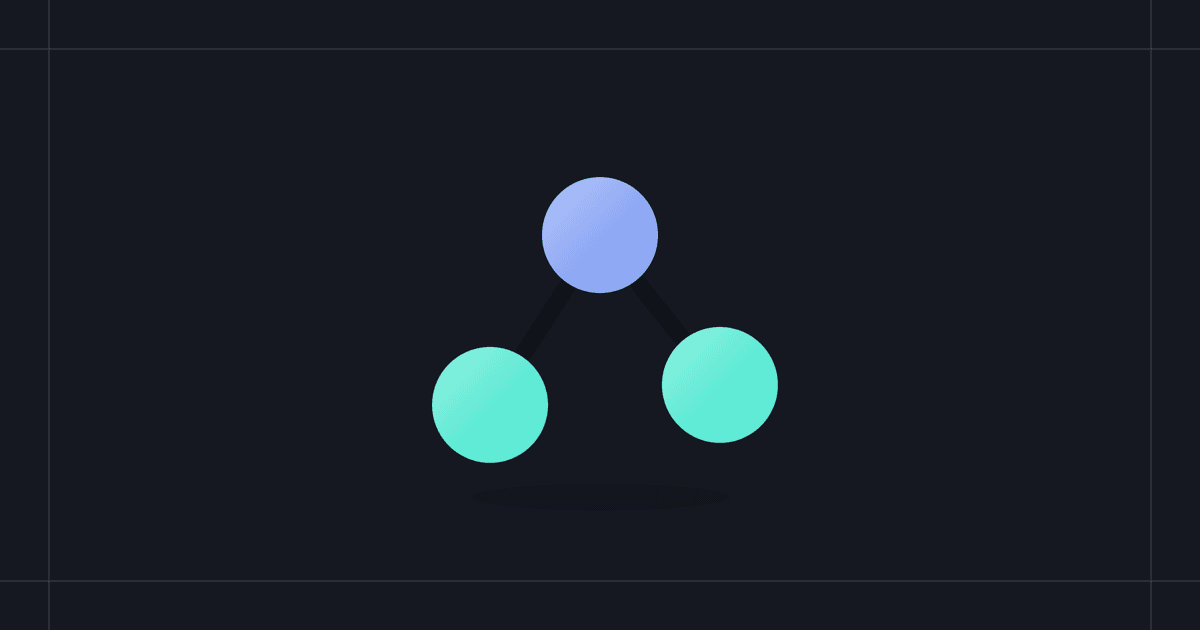
Three parts take part in every connection.
- Host. The AI app you use, such as Claude or ChatGPT.
- Client. The piece inside the host that keeps the connection to one server. A host creates one client for each server you add.
- Server. The program that provides the tools and data.
When you add a server, the client asks it what it offers: the name of each tool, a description and the inputs it takes. When you then ask for something in the chat, the AI picks a tool that fits and fills in the inputs. The host shows you the request, you approve it, and the server runs it and sends the result back.
The protocol's security principles say hosts must get explicit user consent before invoking any tool. In practice Claude asks before it uses a connector's tool, and ChatGPT asks for confirmation before write actions by default.
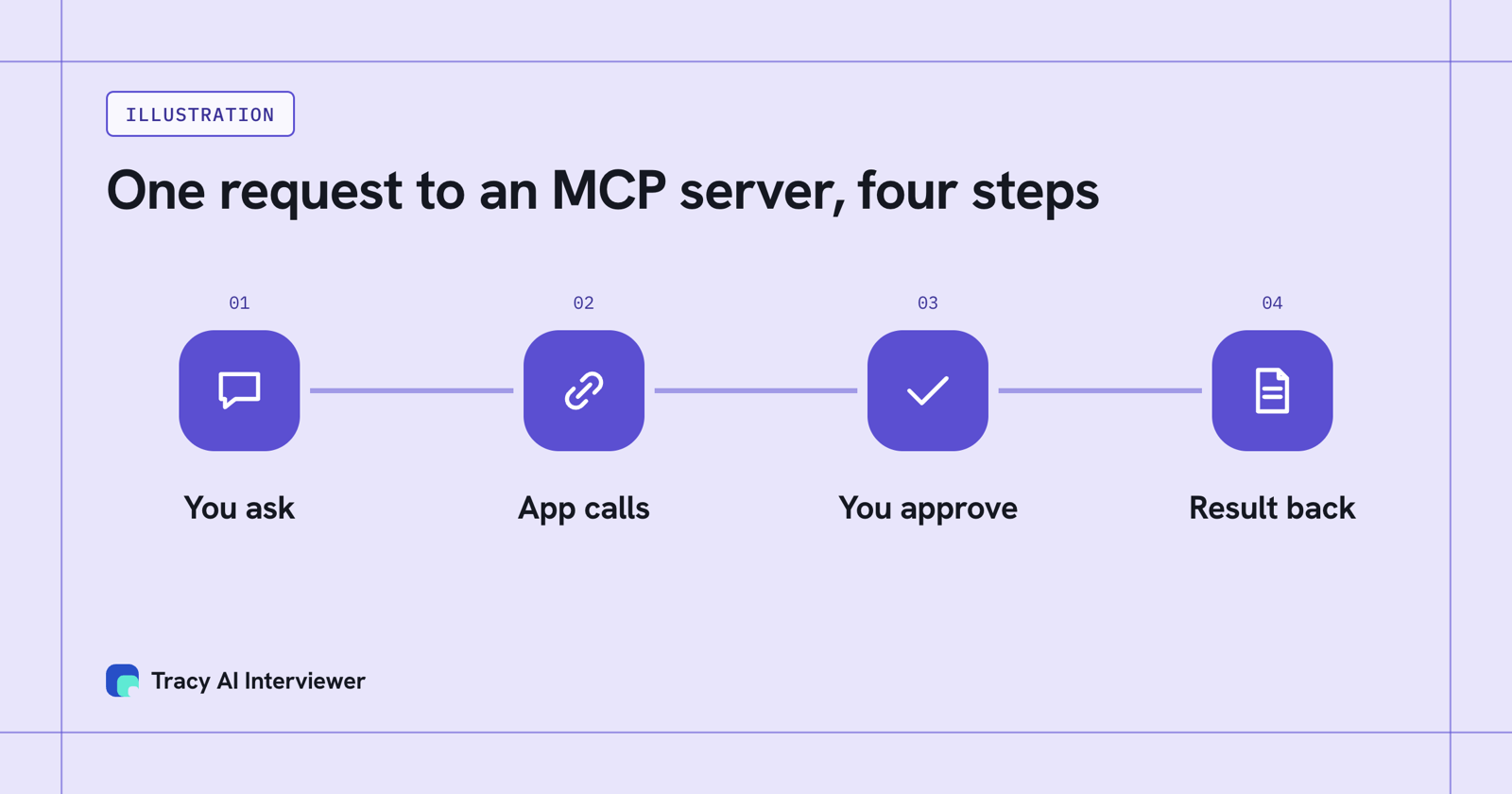
A request to an MCP server is four steps, and you approve before it runs.
Local and remote MCP servers
"MCP server" names the program, wherever it runs. Local servers typically serve a single app: they run on your own computer and suit tools that touch your files. Remote servers typically serve many: they run on the internet at a web address, so you add one by pasting its URL instead of installing anything.
Tracy's is a remote server. When you add a remote server to Claude or ChatGPT you also sign in to the service behind it, so the server knows whose account the AI is acting on.
An example: Tracy's MCP server
Tracy AI Interviewer runs a remote MCP server at tracyinterview.ai/mcp. Added to Claude, ChatGPT and other MCP apps, it lets you do the setup work by asking in a chat. Through the server, the AI can:
- suggest an interview from a short brief, then create and update it;
- invite people by email;
- turn an interview's public link on or off;
- read results;
- check your balance and create a top-up link.
Creating an interview, inviting people and turning on the public link each wait for you to approve a preview first. A new interview starts with its public link on (anyone with the link can join, up to 20 people for 14 days) and nobody invited, and you can switch the link off. The server does not score, rank or reject anyone, and it does not join meetings, transcribe uploads, schedule calls or look up email addresses.
Tracy runs the interview itself, on video, so the server only handles setup and results. She asks follow-ups in the person's own field. Asking for results puts what each person said to each question into the chat, with the result fields and a note for an applicant tracking system. In Tracy you also keep a recording and a timestamped transcript, for a person to review and decide from. MCP access is part of Pay as you go: $1 per credit, and the first 3 results are free.
To see the setup in an app, read how Tracy works in Claude or in ChatGPT. The Gemini and Copilot Studio guides cover those two, and the Connect page lists every route.
A worked example: one draft from one message
Say you want a check-in for new hires at day 30. You write one message in Claude: "Use Tracy AI Interviewer to draft a check-in interview for new hires at day 30. Five questions, video. Show me the draft before you create anything."
Claude picks Tracy's suggest-an-interview tool, fills in the inputs and asks you to allow the call. You allow it once. Tracy's server runs the tool and sends a draft back, and Claude shows it in the chat. Below is what Tracy's server returned on 14 Nov 2026 for a brief of this kind: who it is for ("New hires at day 30 of their first job"), the goal (how onboarding is going, what is unclear, what support they still need), five questions, video. Nothing was saved, nobody was invited and no credit was used.
Draft returned by Tracy: New hire check-in at 30 days
- How has your first month at the company been so far?
- Can you walk me through what your onboarding process looked like?
- What parts of your role or the onboarding were unclear or confusing to you?
- Have you reached out for support when you needed it, and what kind of help did you get?
- Is there anything else about your early experience here that you'd like to share?
The result fields were First month experience, Onboarding process, Unclear aspects and Support received. Integrity signals defaulted to on for the video interview.
The round trip was your message, a tool call you approved and a result in the chat. The server did the work; the model chose the tool and read what came back. You change the draft by replying to Claude, and nothing is created until you approve the preview that follows.
If an MCP server does not work
When a connection fails, look in four places.
- If the server is not in your list: on Claude Team and Enterprise plans an owner adds a connector first, and members then connect it themselves. Claude's Free plan allows one custom connector.
- If sign-in did not finish: open the connector in Claude and click Connect again. When the app is missing from the connected apps in your Tracy account, the sign-in never completed.
- If the connector is off in this chat: Claude lets you switch a connector on or off per conversation, under the + button and then Connectors.
- If the server cannot be reached: Claude on the web and ChatGPT connect from the vendor's cloud, so they need a remote server on the public internet. Claude Desktop and Claude Code can also run local servers, which stay on your computer and do not work in Claude on the web.
A request that seems stuck may be waiting for your approval in the chat. The guide to setting Tracy up in Claude covers the same fixes step by step.
What an MCP server changes and what it leaves alone
An MCP server gives a model reach into a system and leaves the model itself unchanged. You add each server yourself. What a server can see and do depends on who built it, because the protocol treats authorization as optional.
Anthropic and OpenAI both tell people to connect only to servers they trust. Add servers from sources you know, and read the permission screen when you sign in.
Related terms
- MCP host. The AI app that manages the connections.
- MCP client. The part of the host that talks to one server.
- Tool. One action a server offers.
- Remote MCP server. A server you reach by URL over the internet.
- Connector. Claude's name for a server you add.
- Plugin. The word OpenAI's documentation uses for a custom MCP server added to ChatGPT.
Which path fits you:
- Many applicants to screen: see hiring at volume.
- Customer interviews: see customer research.
- Engineers to screen: see technical interviews.
Common questions
What is an MCP server in AI?
What is an MCP server and how does it work?
What is an MCP server in Claude?
Do I need to be a developer to use an MCP server?
Is an MCP server safe?
See it in one real interview
Add Tracy's server and draft an interview by asking in a chat. The first 3 results are free.
Try it free (opens in a new tab) Book a demo (opens in a new tab)
Your first 3 results are free. No card needed.
Sources
- Model Context Protocol: What is MCP?, retrieved 14 Nov 2026.
- Model Context Protocol: Architecture overview, retrieved 14 Nov 2026.
- Model Context Protocol: Specification, latest, retrieved 14 Nov 2026.
- Claude Help Center: Get started with custom connectors using remote MCP, retrieved 14 Nov 2026.
- OpenAI docs: Connect your MCP server to ChatGPT, retrieved 14 Nov 2026.
- Tracy AI Interviewer: Add Tracy to Claude, retrieved 14 Nov 2026.
- Tracy AI Interviewer: Connect, retrieved 14 Nov 2026.
- Tracy AI Interviewer: Pricing, retrieved 14 Nov 2026.
- Tracy AI Interviewer, suggest_interview draft (tool call), retrieved 14 Nov 2026.