
In short
Recruiters use Perplexity for research with sources: briefing before an intake call, pay ranges, employer background and how similar job ads are written. It answers with cited web pages you open and check.
Treat anything it surfaces about a person as a lead to verify. What a candidate did and how they reason comes from asking them, which Tracy AI Interviewer does on video, started from ChatGPT, Claude, Gemini or Copilot Studio.
Tracy returns what each person said to each question, with the recording and a timestamped transcript. The first 3 results are free.
Perplexity suits the research side of recruiting (the HR version of this guide covers policy and pay): questions about the outside world where you need a source for every claim. Its Pro Search runs several searches and combines them into one answer that cites its sources, and its help page tells users to open the cited sources to check important claims. This guide gives five research jobs with prompts to copy, answers whether Perplexity can source candidates, and shows where the work moves from reading the web to asking the person.
How can recruiters use Perplexity?
Five jobs fit well. Paste the prompt, replace the brackets, then open the sources it cites.
- Briefing before an intake call: "What does a [role] do day to day at a [type of company]? List the tools and responsibilities mentioned across at least four published sources and link each one."
- Pay ranges for a job post: "Find published pay ranges for [role] in [city]. List each source with its year and do not average them."
- Employer background before outreach: "What does [company] publish about hiring, team size and its product in the last year? Link each claim."
- How similar ads read: "Find three published job descriptions for [role] and list the skills each one asks for, with a link to each."
- Your own call recordings: Perplexity's help page says it takes files up to 40 MB each and transcribes audio and video with speakers labelled, so a recording you have consent to use can become a transcript.
Keep "link each one" and "give its year" in every prompt. They make the answer checkable, which is the reason to use Perplexity here.
Can Perplexity source candidates?
It can find public web pages about people. Perplexity's help pages describe web search with cited sources, Deep Research, file uploads, Projects and Internal Knowledge Search; none of them describes a candidate database. A profile it returns is a page to open and read, the way a search result is, and it may be out of date or about someone else with the same name.
Names and profiles are personal data. Before you build a list from web results, check your company's policy and the rules where the person lives, and write down where each name came from. This is not legal advice. Once you have a list, the open question is what each person has done, and a web page shows only what they chose to publish.
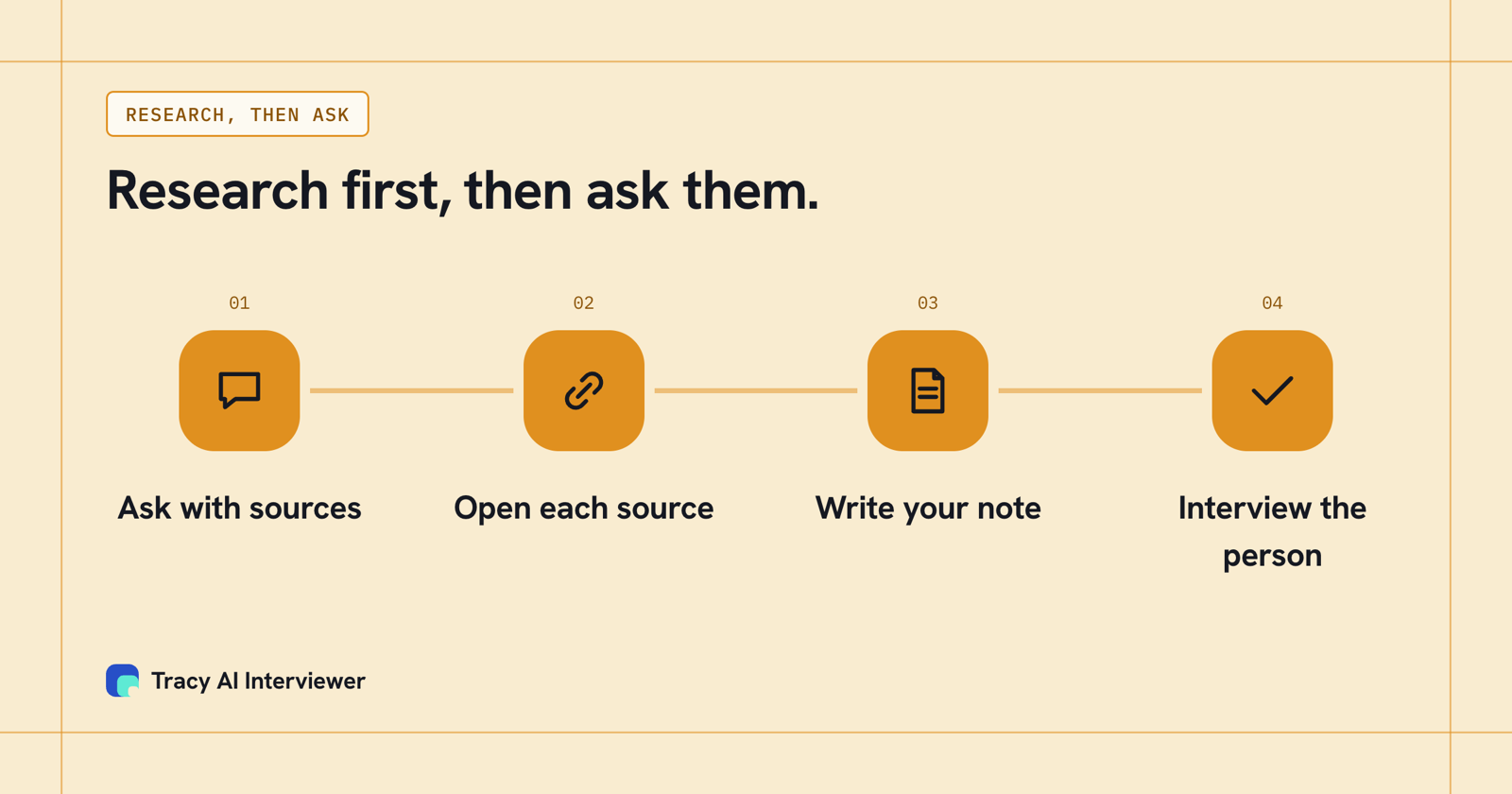
Web research ends with a note; the interview starts with a question.
What a worked check on one answer looks like
Say you ask what a logistics company publishes about its warehouse shift patterns, and Perplexity returns four sources. This is an example, not a real answer. Open the first source and read the passage it cites. If it is the company's careers page, note the date on it. If it is a review site, mark it as one person's view and keep it out of the outreach message. Where two sources disagree, write both with their dates rather than picking one.
A Perplexity Project can carry the habit, because Projects take instructions of up to 8,000 characters. A short set is enough: "Link every claim. Give each source's date. Say when sources disagree. If a question needs a lawyer, say so." A colleague who borrows the Project starts with the same rules.
Does Perplexity connect to other tools?
Perplexity's help article describes adding a custom remote MCP connector in the Mac app: open Plugins, choose Add custom, then Connector, then enter a name and the server URL and pick the transport, authentication and network access under Advanced. The same article says the Mac app does not currently support local, command-based servers, and that a connector added in a plugin is connected for your account everywhere. MCP is the standard that lets an assistant call another service's tools, which what is a remote MCP server explains.
Tracy AI Interviewer publishes setup guides for ChatGPT, Claude, Gemini and Copilot Studio, and its Connect page lists them. Those are the places to start an interview from a chat today: how to add MCP to ChatGPT, how to add MCP to Claude, Tracy in Gemini and Tracy in Copilot Studio.
Where research ends and the interview starts
Perplexity gives you what the market publishes about a role; what a candidate did in one is a question for the candidate. Tracy AI Interviewer runs that conversation on video. You describe the role, Tracy drafts the questions and you edit them or bring your own. Each person opens a link in a browser, at any hour, with no account, and is told on the join screen that the conversation is recorded and transcribed. If an answer is thin, Tracy asks for the detail that is missing, in the person's own field.
From a connected chat, ask for the interview and approve the preview before anything is created or sent. A new interview starts with its public link on (anyone with the link, up to 20 people for 14 days) and nobody invited, so turn the link off if you invite by email. The home page counts 100K+ interviews completed.
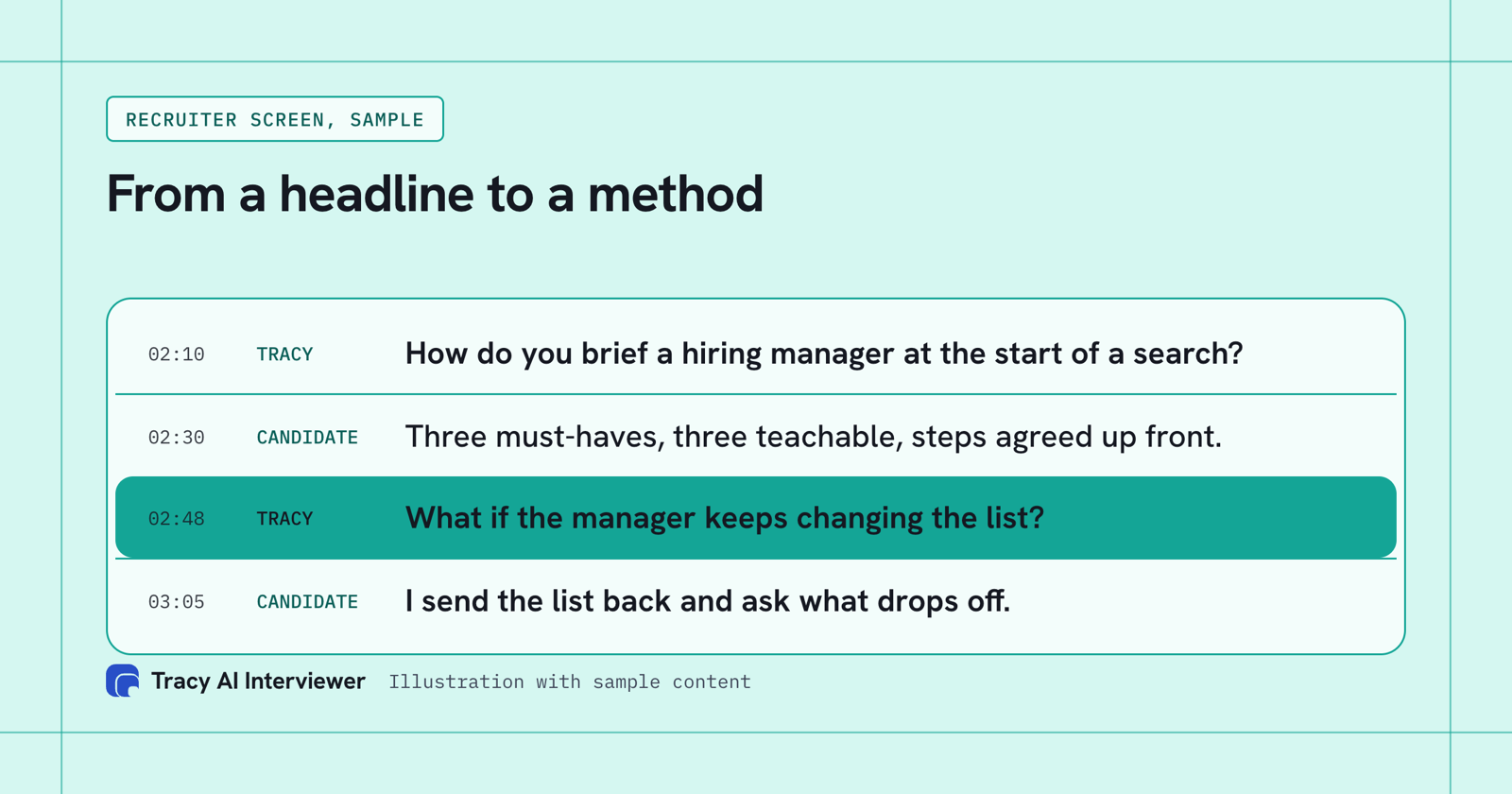
A one-line method gets a follow-up about the case where it breaks.
What the recruiter reads afterwards
Ask for the results and the chat returns what each person said to each question, the result fields and a note for your applicant tracking system, with the recording and transcript in the report. Tracy does not score, rank or reject anyone. You read what was said, compare people yourself and decide.
Which path fits you?
- You want the HR version of this guide: Perplexity for HR covers policy and pay research.
- You research markets and users: Perplexity for market research is the sister guide.
- You want prompts in other assistants: ChatGPT for recruiting and Claude for recruiting.
- You run first rounds at volume: high-volume recruitment and AI interview reports.
Common questions
How can recruiters use Perplexity?
Can Perplexity source candidates?
Is Perplexity accurate enough for recruiting research?
Does Perplexity work with Tracy?
Start an interview from your AI chat
Connect Tracy to ChatGPT, Claude, Gemini or Copilot Studio, ask for one interview and read what each person said. First 3 results free.
Try it free (opens in a new tab) Book a demo (opens in a new tab)
Your first 3 results are free. No card needed.
Sources
- Perplexity Help Center: Local and remote MCPs for Perplexity, retrieved 23 Nov 2026.
- Perplexity Help Center: What is Pro Search?, retrieved 22 Nov 2026.
- Perplexity Help Center: File Uploads, retrieved 22 Nov 2026.
- Perplexity Help Center: What are Projects?, retrieved 22 Nov 2026.
- Tracy AI Interviewer Connect page, retrieved 23 Nov 2026.