In short
ChatGPT connectors, now called apps under Settings > Plugins, let ChatGPT work with Google Drive, SharePoint, Box, Notion, OneNote, Outlook, iCloud, Slack, Teams, GitHub and GitLab, plus Canva. OpenAI's pages name no interview app, so Tracy AI Interviewer adds as a custom MCP server: ask in chat, read the preview and approve, and Tracy interviews on video with a recording and transcript behind each result. You review it and decide.
What ChatGPT connectors do well at work
Connectors put your files, mail, chat and code inside a conversation, so ChatGPT can find a file, summarize a document or look up a message. OpenAI's help center names the ones below, grouped by job. The exact list you see depends on the app, your plan, region, workspace, role, model and the ChatGPT interface, so this is the set OpenAI names, and your account may show fewer or more.
OpenAI's pages now call them apps and list them under Settings > Plugins, so a search for "connectors" lands on the same place. Every app on that list reaches your data, and none of them reaches the person you want to hear from. Anything not on the list can be added as a custom MCP server, which is how Tracy works: how to connect Tracy to ChatGPT shows the steps, and what MCP apps are explains the interactive kind.
ChatGPT connectors list, by job
The apps and plugins that OpenAI's help center has setup guides for, grouped by the work they serve.
| Job | Apps named by OpenAI | What the pages say |
|---|---|---|
| Files and documents | Google Drive, SharePoint, Box, Notion, OneNote | Find a file, summarize a document, work with information in a conversation |
| Email and calendar | Outlook Email and Calendar, iCloud Mail and Calendar | iCloud Mail and Calendar are separate plugins with read-only contact lookup |
| Team chat | Slack, Microsoft Teams | Look up a message; Slack can start event-triggered tasks |
| Code | GitHub, GitLab | GitHub pull request activity can trigger tasks in authorized repositories |
| Design | Canva | Turn ideas from a conversation into a presentation |
Tracy AI Interviewer is not in this table because OpenAI's pages do not name it; it is added as a custom MCP server, covered below. Gmail also appears on OpenAI's pages as a source of event triggers, with new Gmail messages named as a supported event.
How apps and plugins differ in the list
An app connects ChatGPT to an external service so it can access information or perform supported actions. A plugin packages capabilities into a workflow and can include one or more apps, skills, or both. Some plugins include only skills and connect to nothing.
You may install a plugin that bundles an app, and installing a plugin does not replace any account sign-in or workspace approval the app needs.
How to use a ChatGPT connector for work
- Open Settings > Plugins and choose the app, or the plugin that includes it.
- Select Install plugin if shown, then Connect if prompted, and sign in to the account that already has access to what you need.
- Review the permissions it asks for.
- In a conversation, mention the app with @ or choose it from the + menu, and describe the task.
ChatGPT may ask for approval before it reads information or completes an action. Permission options can include Always ask, Allow read actions and Allow low-risk actions. In ChatGPT Business, many apps are enabled by default, but administrators can change workspace access.
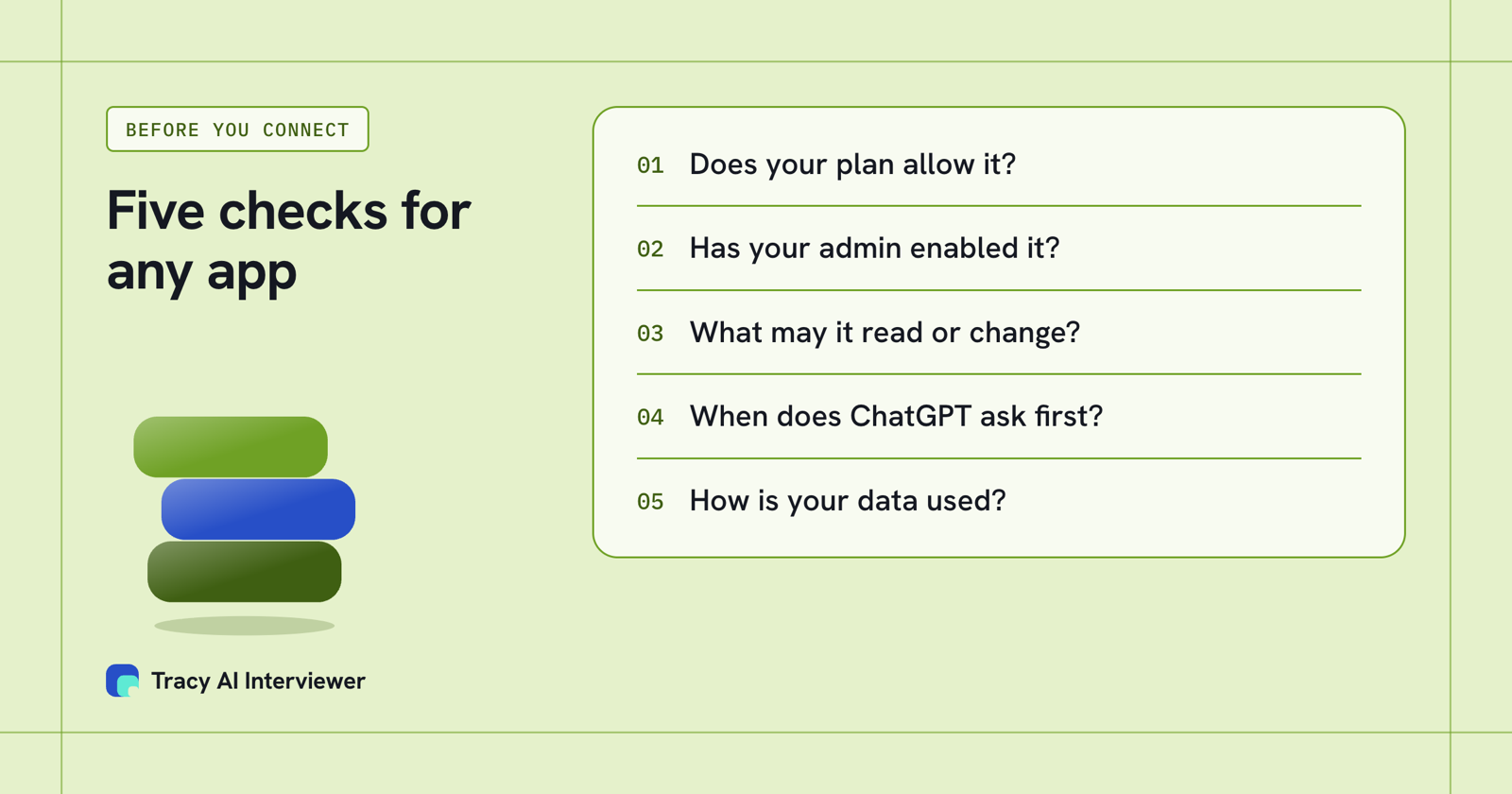
Five checks before a team connects any app.
How to add a custom connector to ChatGPT
If the app you need is not listed, add it as a custom MCP server. In the current Plugins experience you do this directly from Plugins.
- Go to Plugins, select the plus button, then Add custom MCP server.
- Enter a name and, optionally, a description.
- Under Connection, enter the server's public HTTPS MCP endpoint URL.
- Choose its authentication, review the risk warning and tick the box to continue.
- Select Create as a plugin and review the discovered tools.
If you do not see the option to add a custom MCP server, check whether Developer mode is on for your workspace. ChatGPT connects to remote MCP servers, which is why the address must be public HTTPS.
Custom MCP server connections and full MCP support are listed for ChatGPT Business and Enterprise/Edu on the web. Pro users can connect custom servers with read and fetch permissions, and mobile is not supported. ChatGPT's pricing page says creating and sharing plugins needs Go or higher, so check which applies to your plan. What an MCP server is explains the standard behind the address you enter.
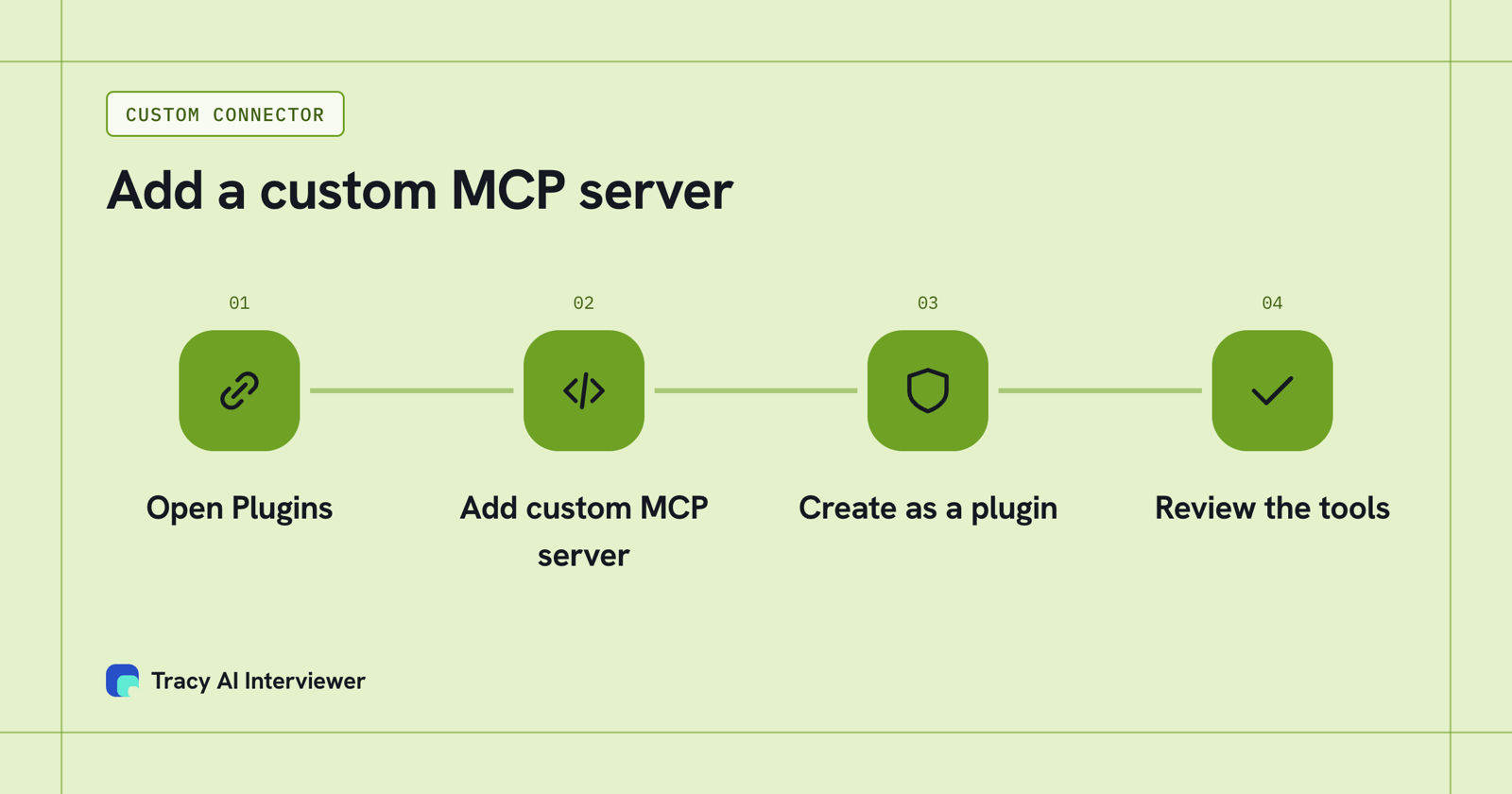
A custom connector is four moves in Plugins: add, connect, create, check the tools.
What Tracy adds to ChatGPT connectors
OpenAI's pages do not name an app that runs an interview. Tracy AI Interviewer adds as a custom MCP server at tracyinterview.ai/mcp. Tracy's ChatGPT guide shows each step with screenshots, and the preview looks like the screenshot below.
Once connected, you type @ and Tracy's name and ask for an interview in plain language. ChatGPT shows the interview as a preview to review before anything is created, and an invitation is previewed too. A new interview starts with its public link on (anyone with the link, up to 20 people for 14 days) and nobody invited; the host can turn it off. Because creating and inviting are write actions, check that your plan allows full custom MCP before you start.
- Reach every applicant. Each person opens the link in a browser and starts on click, at any hour, with no scheduling.
- Ask the next question. Tracy follows the answer in the person's own field, waits, and asks for the missing detail.
- Keep the evidence. A recording and a timestamped transcript sit behind each result, with a written assessment per question. Reading results in the chat returns what the participant said to each question, the result fields and a note for an applicant tracking system.
Tracy does not score, rank or reject anyone; a person decides from the evidence. See how Claude and ChatGPT show a preview, and the best Claude connectors for business if your team also uses Claude.
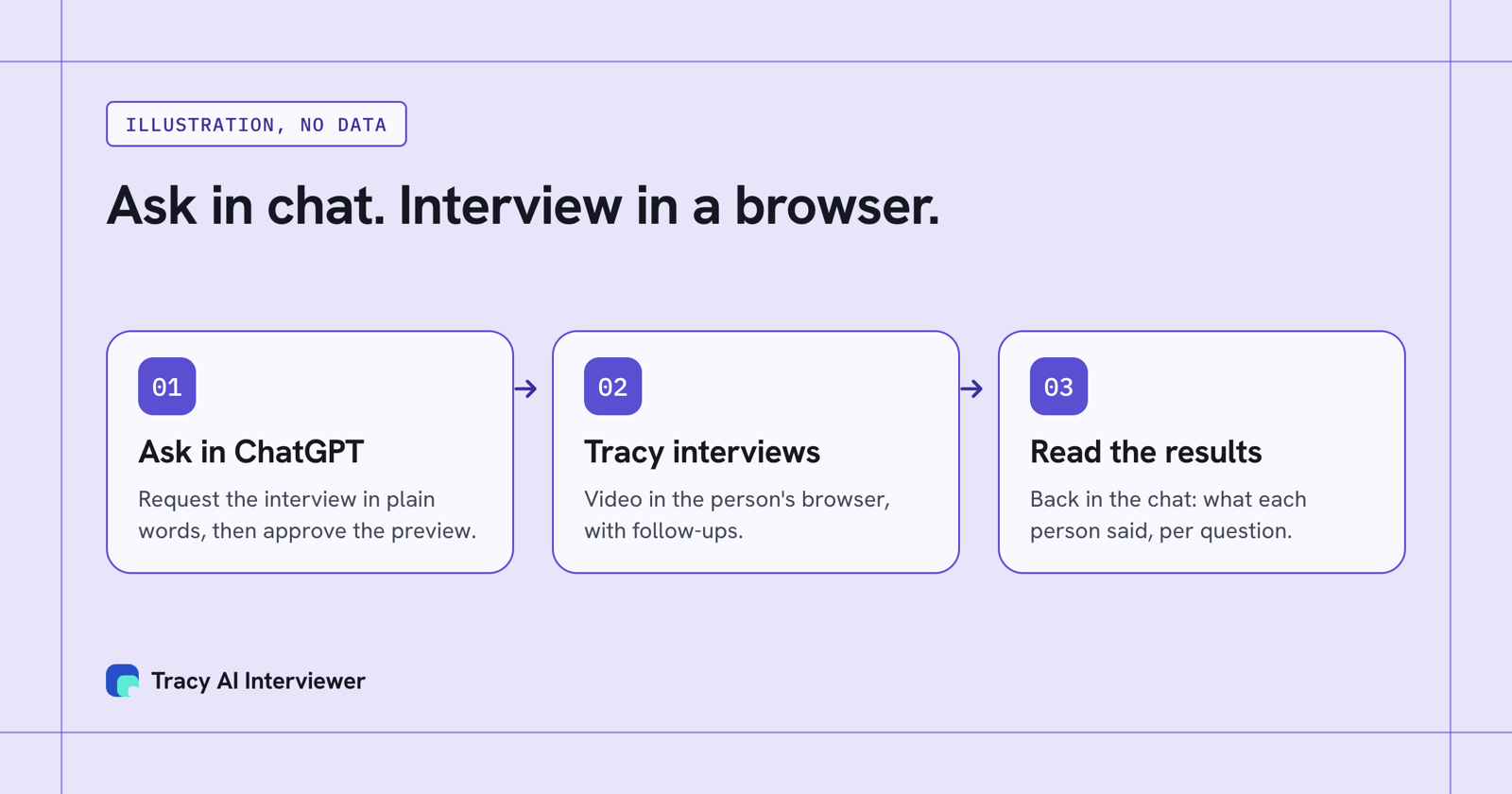
Ask in chat, and the interview happens in the browser.
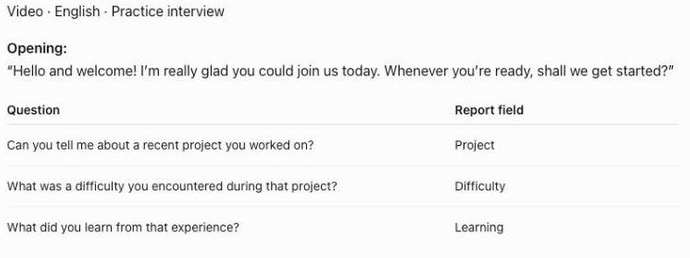
ChatGPT shows Tracy's draft as a preview you read before anything is created.
What does the connection let you do?
A connector list tells you what ChatGPT can read. It does not tell you where an interview can happen. Once Tracy is added in four moves, one request in chat creates the interview preview, and the people you invite or share the link with interview in their own browser, on their own time. Up to 20 people can use the open link for 14 days, so a first batch needs no other tool. The owner stays in ChatGPT to approve, check progress and read results back; the person being interviewed never opens it.
Common questions
Which connectors can ChatGPT use for work?
Are ChatGPT connectors now called apps?
How do I add a custom connector to ChatGPT?
Does ChatGPT use my connected data to train models?
Can a plugin change what an app can reach?
Does Tracy cost extra in ChatGPT?
Add Tracy for interviews in ChatGPT
Connect the server, ask for one interview in chat and read the preview before anything is created. The first 3 results are free.
Try it free (opens in a new tab) Book a demo (opens in a new tab)
Your first 3 results are free. No card needed.
Sources
- OpenAI Help Center, Connected apps in ChatGPT (page showed updated 3 days before 14 Nov 2026), retrieved 14 Nov 2026.
- OpenAI Help Center, Plugins in ChatGPT, retrieved 14 Nov 2026.
- OpenAI Help Center, Connecting custom MCP servers in ChatGPT, retrieved 14 Nov 2026.
- Tracy AI Interviewer, ChatGPT guide, retrieved 9 Nov 2026.
- Tracy AI Interviewer, Connect, retrieved 10 Nov 2026.
- ChatGPT plans and features, retrieved 14 Nov 2026.