In short
Tracy AI Interviewer connects to Zapier with five triggers and an Invite Participant action, so invites go out and results reach your team without copying data by hand.
The interview and report stay in Tracy: own-field follow-ups, a recording, a transcript, and a person decides. The person interviewed needs only a browser link.
Zapier checks for events on a schedule, so a Zap starts a few minutes after the event. Pay as you go has no seats, and the first 3 results are free.
Next: connect Zapier and invite your first person.
An interview usually sits between two other tasks. Someone is added to a list, then someone sends an invite by hand. Someone finishes, then someone tells the team. Zapier interview automation removes both hand-offs. With Tracy AI Interviewer connected, a Zap can invite a person the moment they appear in another app, and another Zap can react when that person starts, finishes or has a result.
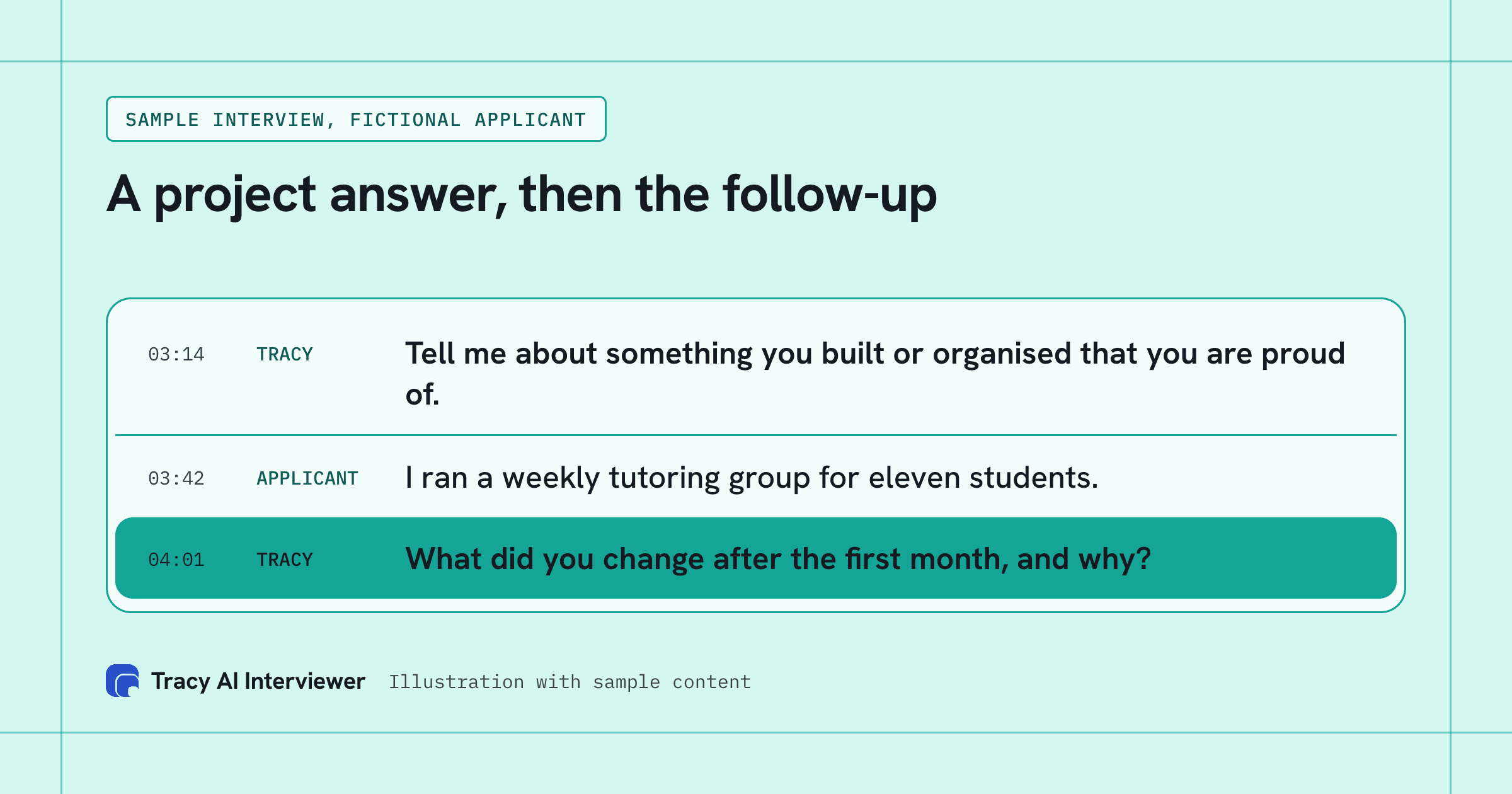
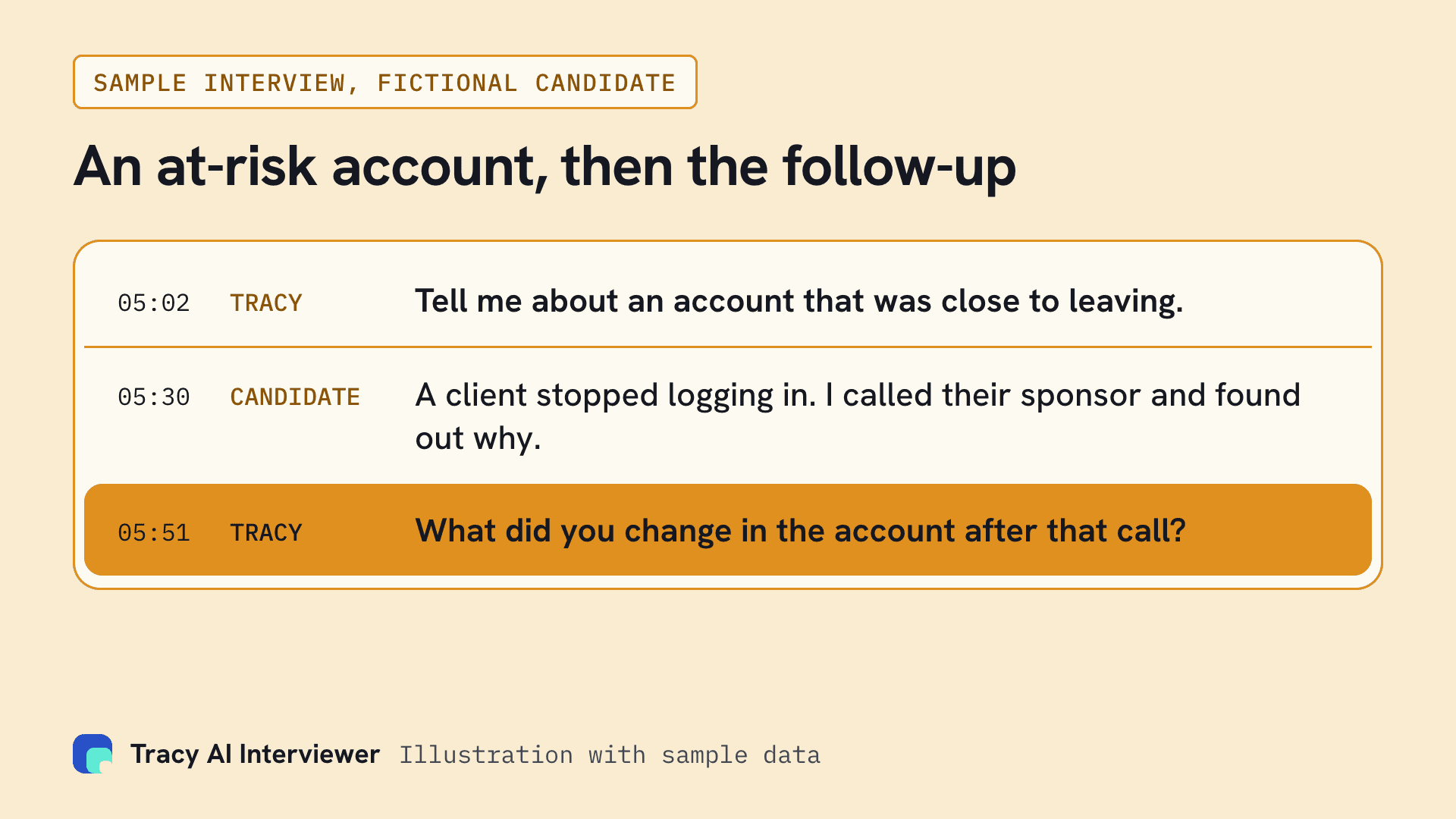
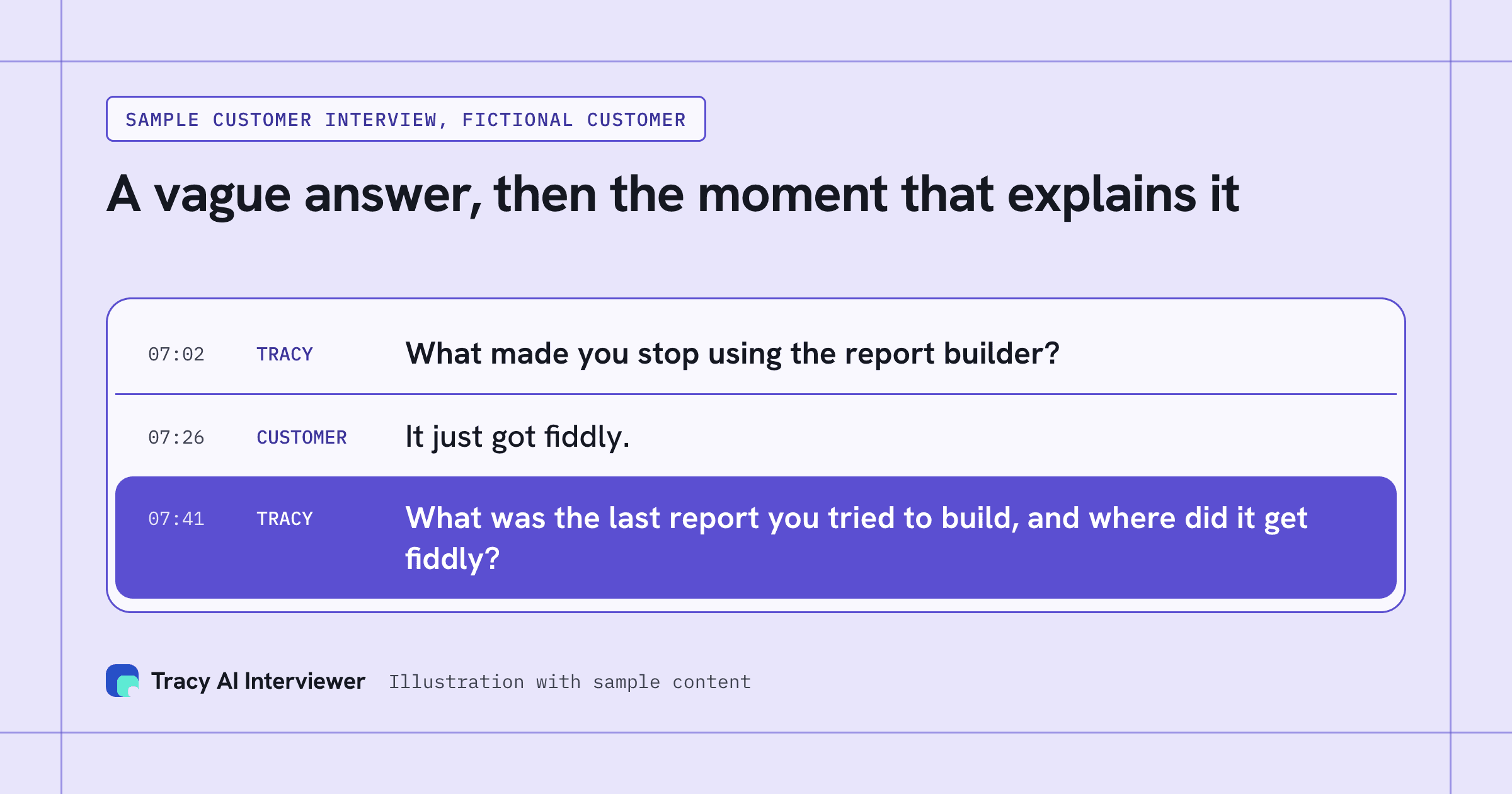
Tracy does the interview itself. She asks follow-ups in the person's own field and waits for the answer. A recording, a timestamped transcript and a written assessment per question stay behind each result, so the people on the receiving end of a Zap still read evidence before they decide. Our guide to how AI interviews work covers the interview itself.
The Zapier route fits the workflow you already have: your other apps change by one step.
The five triggers and the invite action
Each trigger runs a Zap once per event.
- Invite Opened: the person opened their invite link.
- Interview Started: the person began the interview.
- Interview Completed: the person finished.
- Interview Incomplete: the interview ended without being completed.
- Result Ready: the result can be read.
The one action is Invite Participant. You choose the interview, enter an email, and can add a name and your own reference ID, such as a CRM record ID. Tracy emails the person their link.
Every event carries the interview title, the person's name and email, and the interview link. Interview Completed and Result Ready also carry a link to the result. Your reference ID comes back on each event for that person, so a later Zap can match the event to the record that started it.
A practical use of the reference ID: put your own record number in it when you invite, then use the same number in a later Zap to find the record that started the interview. Without it you are matching on an email address, which works until two records share one.
Set up Zapier interview automation in four steps
Before you start, have a Tracy account, a Zapier account and at least one interview.
- In Zapier, add Tracy AI Interviewer as the app for a trigger or action step.
- Click the sign-in button in that step.
- Approve access in the Tracy window that opens. If it does not open, allow pop-ups.
- Test the step, then turn the Zap on.
Zapier checks for new events on a schedule, so a Zap starts a few minutes after the event, not at the same second. For deeper setup of your account, see the Connect page, which lists every route into Tracy. Start with one Zap, such as the invite action, and add the triggers once that works. You can see and revoke the connection under Connected AI apps on your Tracy account at any time.
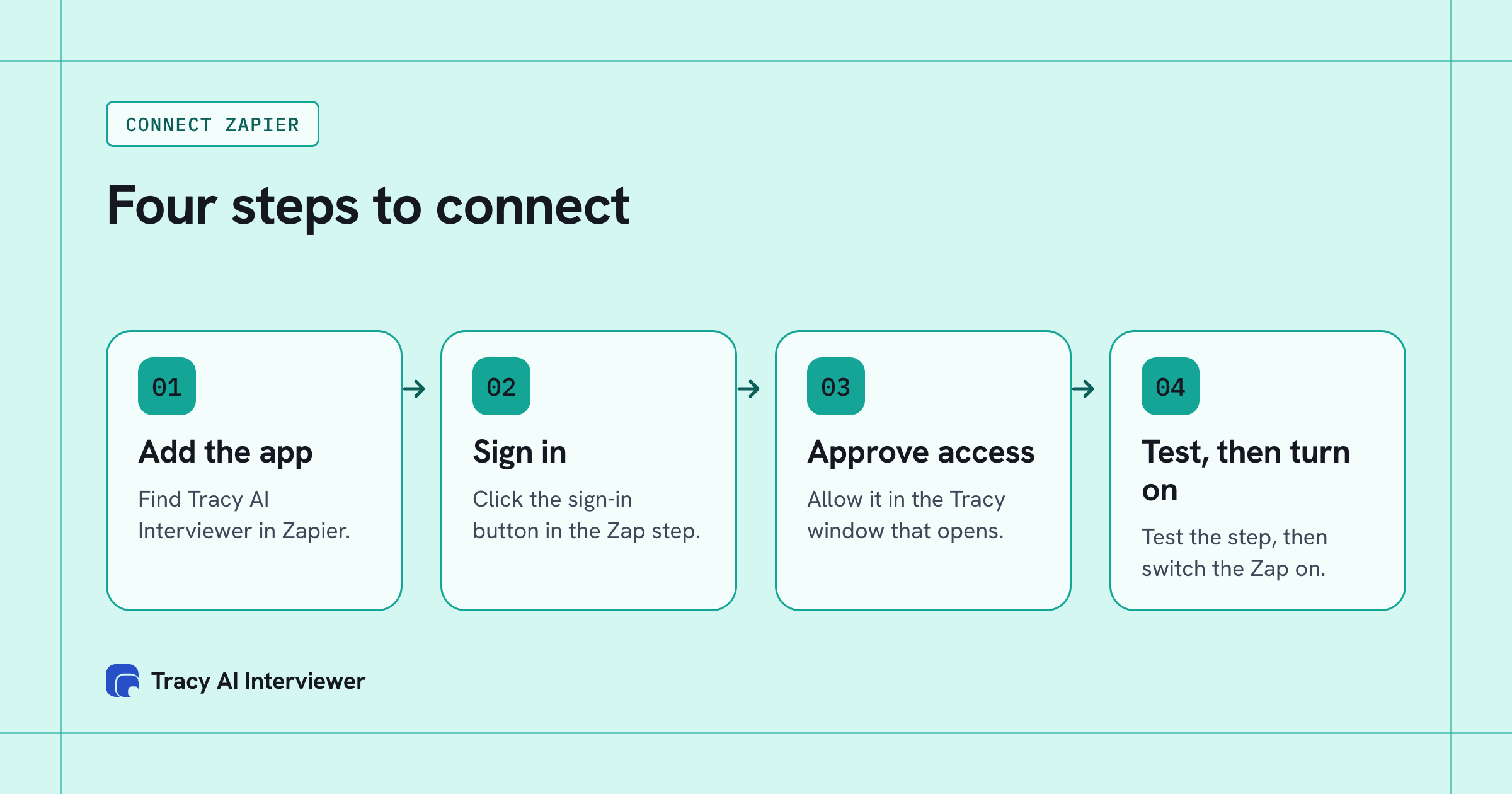
Connecting Zapier takes one sign-in, then a test and a switch.
Three sample workflows
These are examples with invented data, to show how the pieces fit. Your apps and fields will differ.
1. A new applicant row invites a person. A staffing team adds a new row to its applicant sheet: Priya Nair, priya@example.com, reference REC-1042. A Zap runs Invite Participant for your "Sales recruiter screen" interview, passing the name, the email and REC-1042 as the reference ID. Priya gets her link by email. Teams that screen applicants in batches save the copy and paste.
2. A finished interview posts to a channel. Result Ready fires for Priya's interview. The Zap posts a message to a team channel: the interview title, her name, REC-1042 and the link to the result. The team opens a recording and transcript, and a person reads them. See AI interview reports for what a reviewer finds there.
3. An unfinished interview prompts a follow-up. Interview Incomplete fires for a second person. The Zap creates a task for a recruiter to nudge them. Because Tracy also sends reminders, keep the task light, and see hiring at volume for how teams handle large lists.
To try the first one, connect Zapier and invite yourself with your own email.
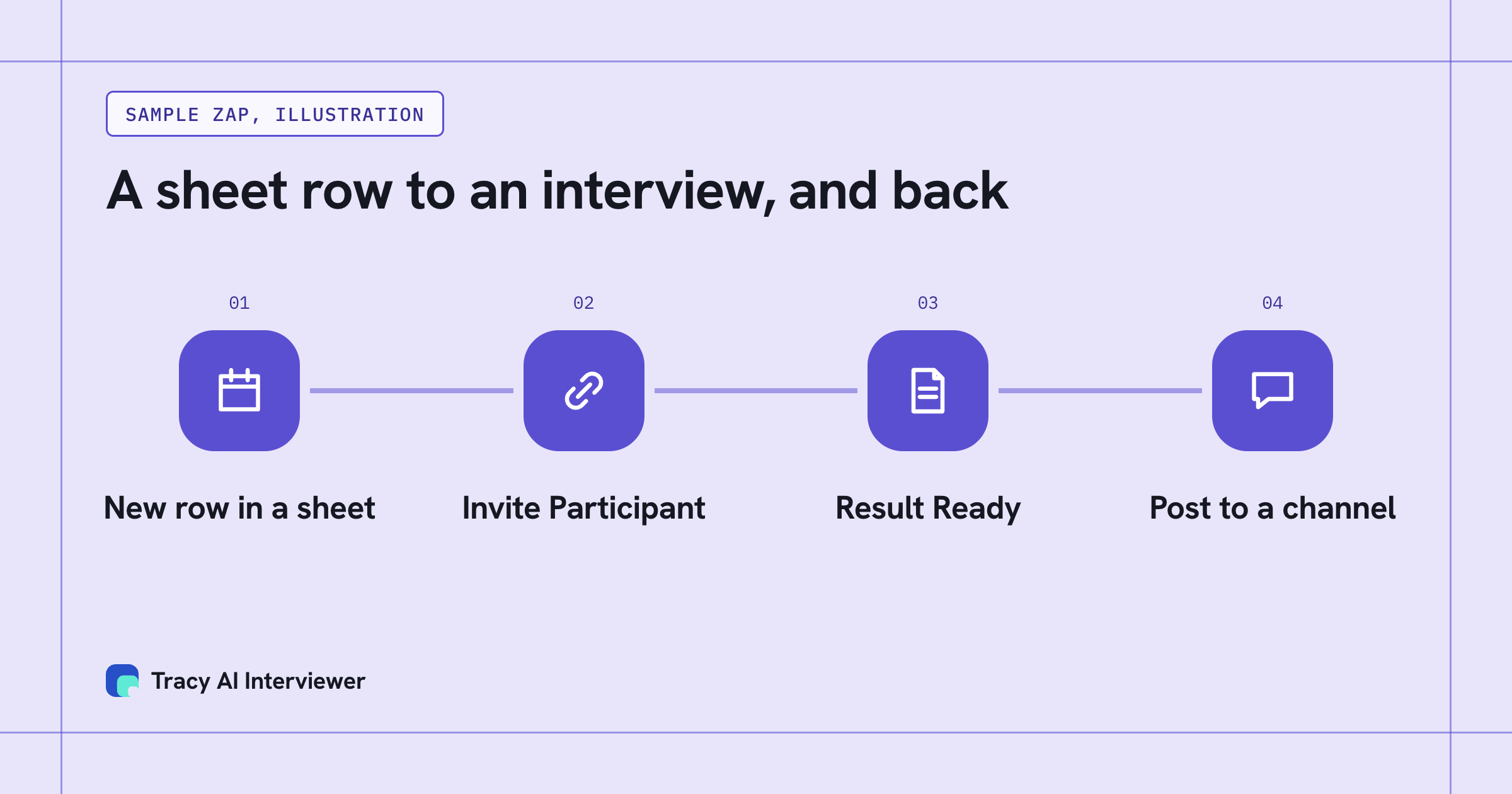
Two Zaps can cover the hand-offs on either side of the interview.
Check these before you automate invites
An invite is a real email to a real person, so test with care.
- Test with your own email. Zapier's test on Invite Participant sends a real invite. Use your address.
- Check the interview is live. An invite may be held if the interview is paused or credits are used up. The pricing page explains credits.
- Read the interview first. Every person invited will be asked its questions. Review it in the web app before a Zap sends to a list.
- Pass a reference ID. It lets later Zaps tie an event to your own record.
- Decide who reads results. Zaps move data. A person still decides from the evidence.
- Watch the connection. Reconnect if it expires, which can happen after revocation or after 60 days without contact from Zapier. You can see and revoke it under Connected AI apps on your Tracy account.
Who this suits
Three kinds of team get the most from it.
- Teams with a list in another app. If people are already tracked somewhere else, a Zap turns a new entry into an invite, and the reference ID keeps the two records linked.
- Teams that want a nudge, not a dashboard. A Zap that posts when a result is ready tells people who need to read it, without anyone checking a screen.
- Teams with a mixed process. People teams and others can automate the invite and leave every decision to a person. The person interviewed needs only a browser link, as described on the participant experience page.
If you would rather work from a chat, the other routes on the Connect page cover that.
Common questions
Which Tracy events can start a Zap?
How fast does a Zap start?
Does the Zapier connection cost extra?
A Zap is not starting. What should I check?
Try Tracy on your next role
Tracy interviews every applicant, asks follow-up questions and sends you a ranked shortlist.
Try it free (opens in a new tab) Book a demo (opens in a new tab)
Your first 3 results are free. No card needed.
Sources
- Tracy AI Interviewer Connect page, retrieved 9 Nov 2026.
- Connecting Tracy AI Interviewer to Zapier (public guide), retrieved 9 Nov 2026.
- Tracy AI Interviewer pricing, retrieved 5 Nov 2026.
- Tracy AI Interviewer home, retrieved 9 Nov 2026.