
In short
For HR, pick the assistant by where your people work. Copilot fits teams living in Outlook, Teams, Word and Excel under a Microsoft admin; ChatGPT fits teams that want one assistant with connectors they choose.
Neither one interviews your employees. Tracy AI Interviewer connects to ChatGPT through MCP and to Copilot Studio agents, so an exit interview or 30-day check-in runs with follow-ups either way.
The chat returns what each person said to each question, with a recording and a timestamped transcript behind it.
Run your three most repeated HR tasks in both, then connect Tracy to the one you keep.
Is ChatGPT or Copilot better for HR?
Neither wins on every HR task, so the choice comes down to two conditions. Choose Copilot when your HR team already works in Microsoft 365 and your admin has licensed it. Microsoft says its responses are grounded in what the signed-in person can already open, and the Premium add-on pulls emails, files, meetings and calendars in automatically. Choose ChatGPT when you want an assistant that stands on its own, with connectors you pick and a seat price you can read off one page. On ChatGPT Business, OpenAI lists connectors to Google Workspace, Slack, GitHub and Microsoft 365.
Copilot Chat, the version included with eligible Microsoft 365 plans, primarily uses web data and works on organisational content only when you supply it with your prompt, by upload or by opening it in Outlook or Teams. The automatic grounding belongs to the paid add-on. When someone says Copilot "knows our files", ask which licence they mean.
What each vendor's own pages state, read 22 and 23 November 2026. ChatGPT Business and Microsoft 365 Copilot Business prices are list prices per user per month.
| What HR touches | ChatGPT | Copilot |
|---|---|---|
| Where it works | ChatGPT's own app and web | Word, Excel, PowerPoint, Outlook, OneNote, Teams and the Copilot app |
| Your files and mail | Business: connectors to Google Workspace, Slack, GitHub, Microsoft 365 | Premium add-on: automatic via Microsoft Graph; Chat: upload or open content |
| Training on your data | Business, Enterprise, API: not by default; individual plans: opt-out listed | Prompts, responses and Graph data: not used to train foundation models |
| Price | Business Standard $20 annual, $25 monthly | Copilot Business add-on $18 annual (first-year offer to 31 Dec), $25.20 monthly |
| Extending it | Custom MCP plugins follow workspace permissions; writes need confirmation | Copilot Studio agents can use MCP tools; generative orchestration must be on |
Which is more secure for HR data?
Both vendors state a no-training default for their business products, so the difference lies in who can see what. Copilot respects each person's existing permissions, sensitivity labels and retention policies, and Microsoft says the specific controls vary by subscription plan. Because it works inside those permissions, a folder that is shared too widely is a folder Copilot can use for that person, which is why Microsoft lists SharePoint Advanced Management for reducing oversharing. For ChatGPT, OpenAI says custom MCP plugins are subject to workspace permissions and security restrictions.
Whichever you choose, leave out names and ids the task does not need, and keep decisions about people with a person.
Prompts and workflows to try in both
Three prompts that work in either assistant, written for this guide and not tested in a run:
- "Summarise the attached leave policy in ten plain sentences for new managers and list the three questions people will ask most."
- "Turn these 40 open-text survey comments into five groups, quote one comment per group and say which group has the fewest comments."
- "Draft a job ad from this brief, then rewrite it for a reader with no industry background."
The workflow decides which assistant is easier. Summarising an Outlook thread or a Teams meeting is where Copilot sits closest to the work, since Microsoft lists summarising and transcribing Teams meetings and capturing action items among its in-app features. Analysing a spreadsheet of survey comments works in Copilot inside Excel or in ChatGPT with a file upload, which OpenAI's plan table lists for Go, Plus and Pro. Drafting from files held in Google Drive or Slack points to ChatGPT Business connectors. For more prompts, see ChatGPT prompts for HR.
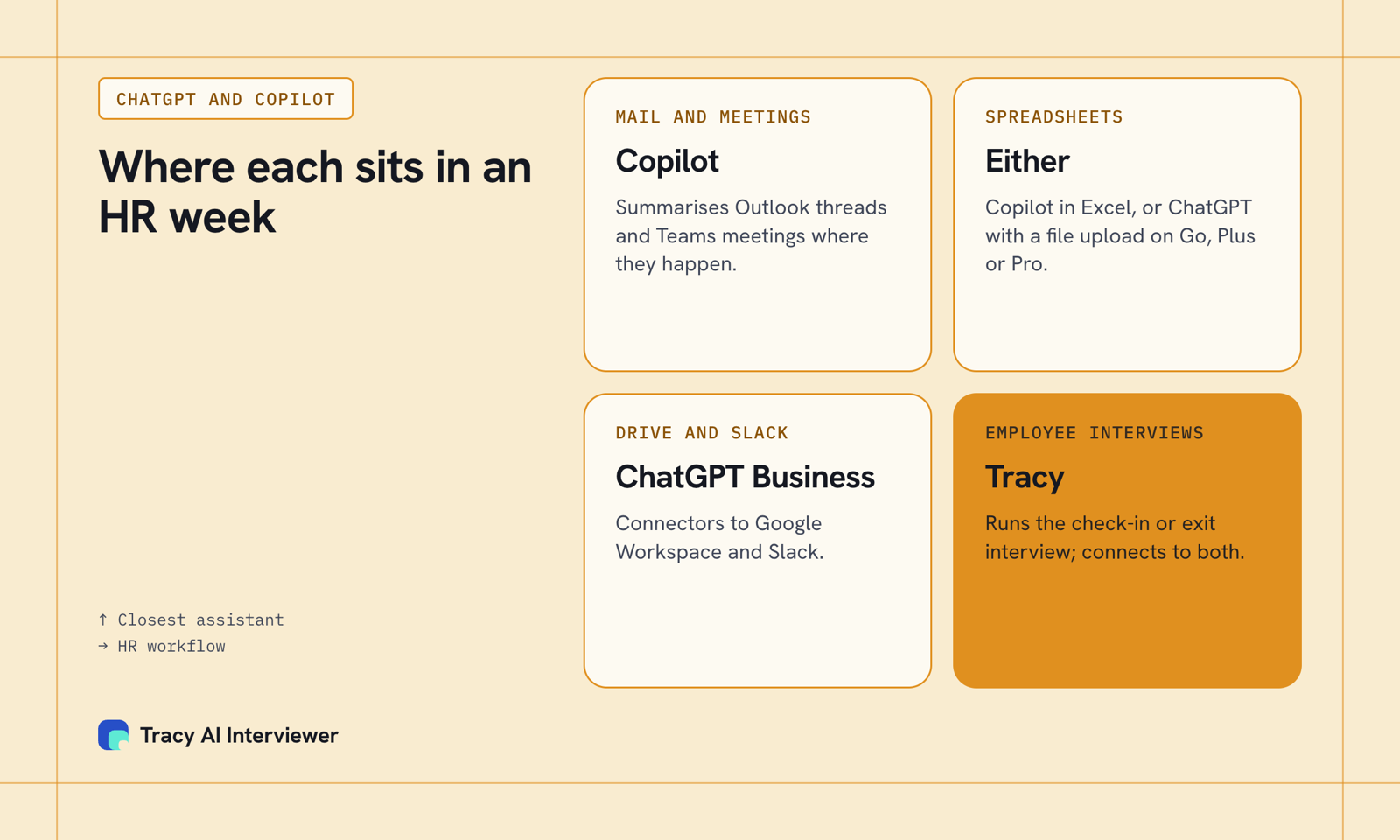
Pick the assistant by where the HR work happens, then add the interview.
Where both assistants stop
A policy summary and a job ad are things you can draft alone. An exit interview or a 30-day check-in needs the other person to talk, and managers rarely have a free hour for every one. Tracy AI Interviewer takes that part. In ChatGPT you add Tracy's MCP server once (how to add MCP to ChatGPT). In Copilot you add it to a Copilot Studio agent as an MCP tool, which Microsoft's page says needs generative orchestration turned on (Tracy in Copilot Studio).
Then you describe the conversation in the chat: choose a check-in, an engagement conversation or an exit interview, bring your own questions or let Tracy draft them, and approve the preview. Nothing is created until you do. Each employee gets a link, starts on video in the browser at any hour with no account, and is told before it begins that the conversation is recorded. A vague answer gets a kinder, sharper question. Ask for the results and the chat shows what each person said to each question, the result fields and a recording and timestamped transcript behind them. If you want the answers grouped into themes, ChatGPT, Copilot or your own reviewer does the grouping; Tracy does not score, rank or rate anyone. Tracy's own figure is 100K+ interviews completed.
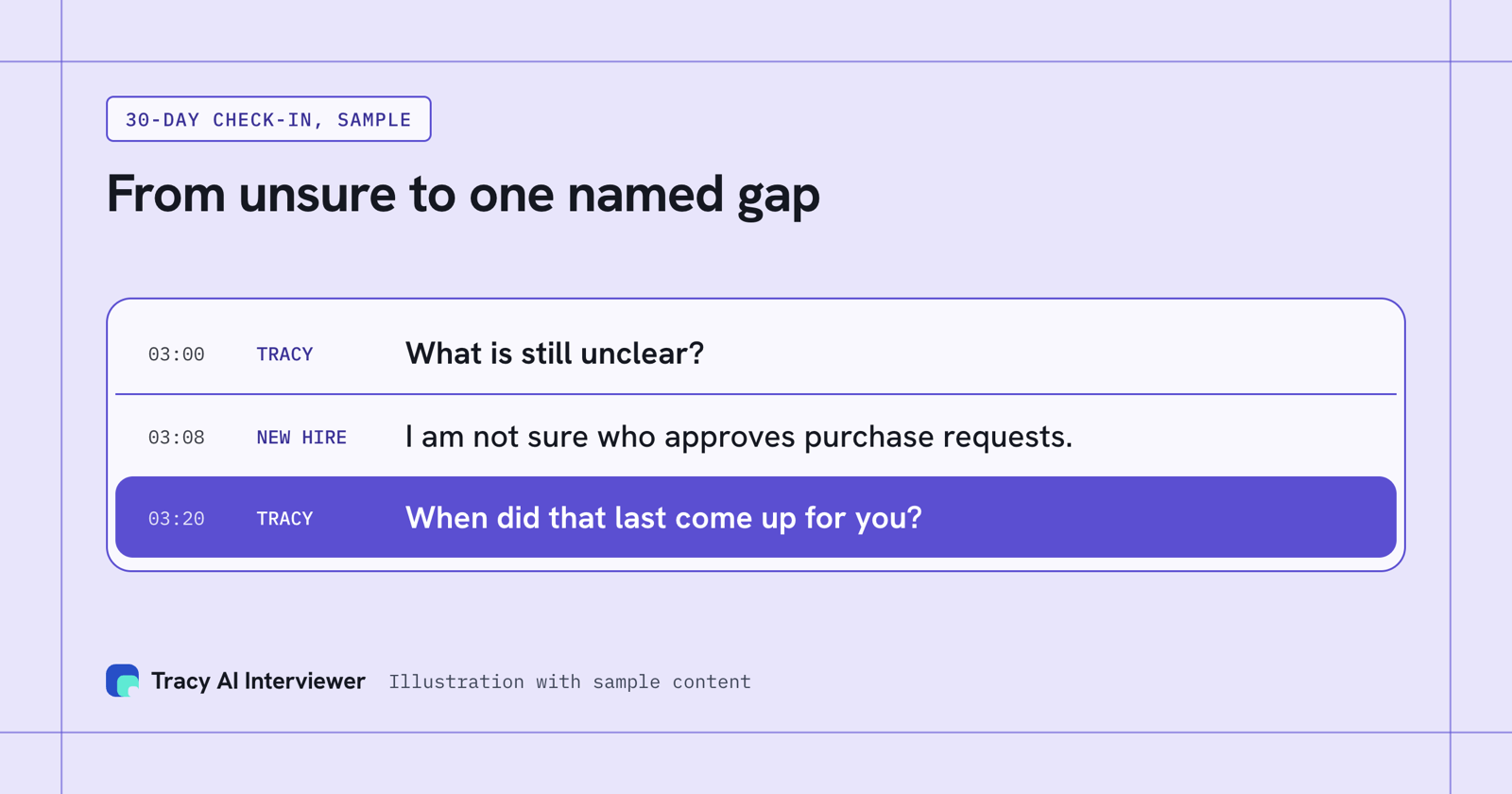
A short answer becomes a specific gap the manager can act on.
Which path fits you?
- Deciding between ChatGPT and Claude instead: Claude vs ChatGPT for HR compares plans and approvals.
- Already on ChatGPT: ChatGPT for HR professionals lists tasks by HR job.
- Starting with exit interviews or check-ins: AI interviews for people teams shows the conversations Tracy can run.
Common questions
Is ChatGPT or Copilot better for HR?
Which is more secure for HR data?
Is Copilot free?
Can ChatGPT or Copilot interview my employees?
Does the interview differ between the two?
Draft one check-in in your chat
Connect Tracy to ChatGPT or Copilot Studio, describe the conversation and approve the draft. First 3 results free.
Try it free (opens in a new tab) Book a demo (opens in a new tab)
Your first 3 results are free. No card needed.
Sources
- Microsoft Learn, What is Microsoft Copilot?, retrieved 23 Nov 2026.
- Microsoft Learn, Enterprise data protection in Microsoft Copilot, retrieved 23 Nov 2026.
- Microsoft, Microsoft 365 Copilot pricing, retrieved 23 Nov 2026.
- Microsoft Learn, Extend your agent with Model Context Protocol, retrieved 23 Nov 2026.
- OpenAI, ChatGPT Business pricing, retrieved 22 Nov 2026.
- OpenAI, ChatGPT pricing, retrieved 15 Nov 2026.
- Tracy AI Interviewer, Connect, retrieved 23 Nov 2026.