In short
Notion AI Meeting Notes keeps call notes beside your docs and projects, which suits a team that already works in Notion. Tracy AI Interviewer adds the interview itself: it runs the first round for every applicant, asks follow-ups in their own field and returns a recording, a timestamped transcript and what each person said to each question. Keep Notion for the notes. Your team decides who moves forward.
If you are weighing Notion AI Meeting Notes alternatives for interviews, start with when the notes begin. Notion files them once a call has happened, so the open question is the calls nobody had time to hold. When the first round has to cover every applicant, Tracy AI Interviewer is the first option below, ahead of four tools that cover other needs.
What Notion AI Meeting Notes does well, and what it leaves open
If your hiring plan, debrief doc and notes already live in Notion, its meeting notes keep them together, and an AI interviewer does not replace that. The pages describe meeting notes for teams and do not mention interviews, scorecards or applicant tracking sync, so those are not stated.
Capture depends on the app: the desktop app needs system audio and screen recording permission, the browser version picks up the microphone only, and speaker labels are English only.
AI Meeting Notes needs Business at $20 per member per month, or Enterprise, while Free and Plus get a limited trial. The page offers a yearly option, and Notion does not label which billing the $20 shows.
What stays open is the interview itself: someone still has to hold each call.
Which Notion AI Meeting Notes alternative suits which team?
- Tracy AI Interviewer: teams whose first round needs the same depth from every applicant, billed per interview instead of per member.
- Otter.ai: teams that want live transcripts in their own app instead of a workspace plan.
- Fireflies.ai: hiring teams that want interview notes and scorecards to reach the ATS.
- Granola: interviewers who want private bot-free notes that can still go to Notion.
- Krisp: teams that also want noise cancellation and accent conversion, with notes that can go to Notion.
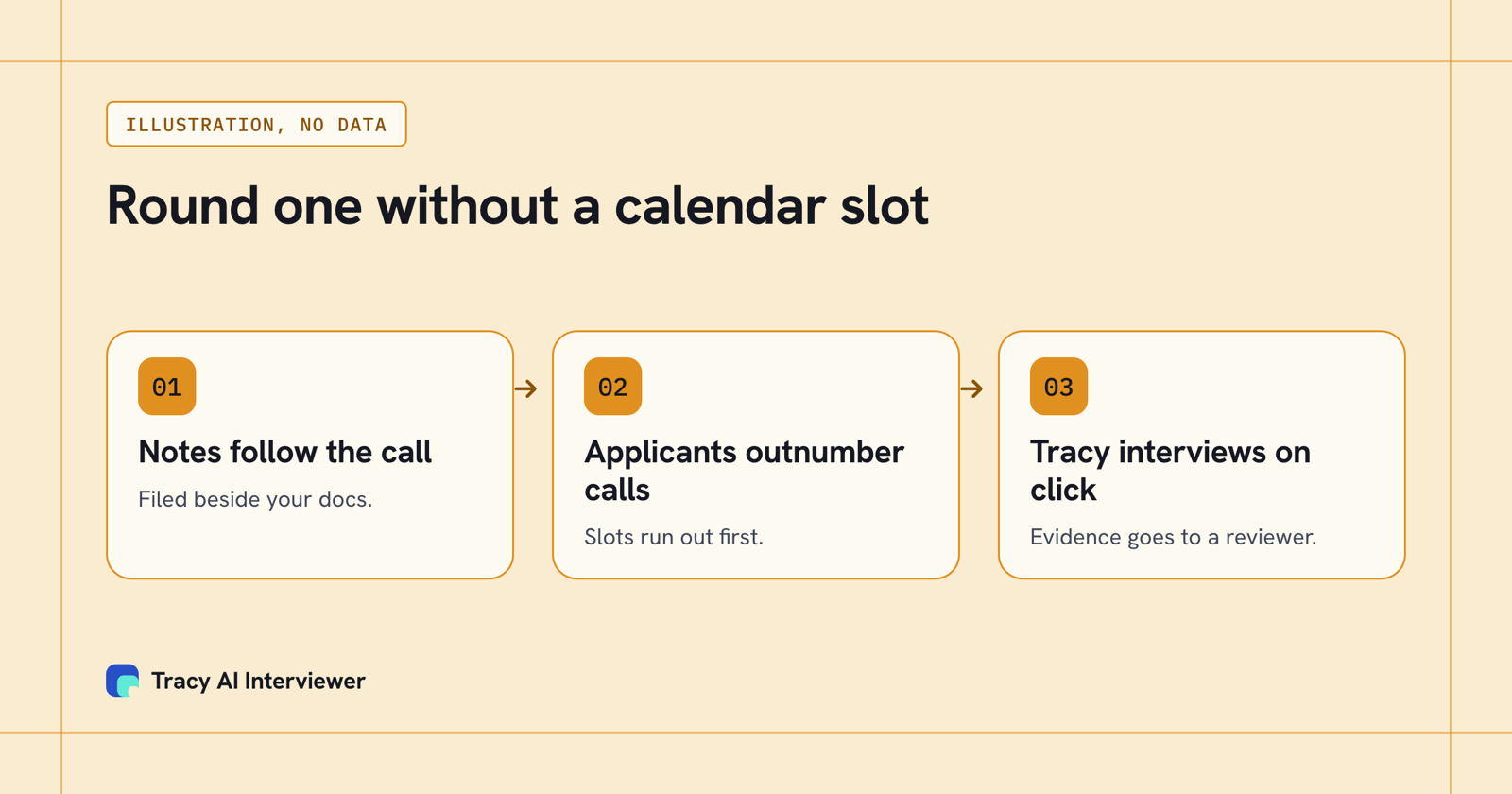
Notion's notes start when a call starts; Tracy starts when the applicant does.
Tracy AI Interviewer: the first round without a calendar slot
Tracy takes the interviewer's seat. An applicant opens a link in a browser with no account, no install and no slot to book, and Tracy interviews them by two-way video. The reviewer opens a recording of both sides, a timestamped transcript, the person's words on each question and integrity signals, and a person decides.
Notion's notes sit beside your docs and projects; Tracy's result is the record of an interview it ran, which a panel reviews. It is not a notepad for calls you run, though on Enterprise it can take notes on them. Integrations run through Slack, WhatsApp, Workable, Breezy HR and Zapier, plus API and MCP for Claude, ChatGPT, Copilot Studio, Gemini and Mistral. Where Notion charges per member, Tracy charges $1 per credit and takes one credit for each started 20 minutes. There are no seats, and the first 3 results are free. See Tracy's pricing.
What Tracy adds to your Notion notes
01 Reach every applicant. Each applicant can start on click, at any hour, with no scheduling and no recruiter on the call. Notion's notes need a call to exist first; Tracy lets the whole pool take the first round.
02 Ask the next question. Tracy asks in the applicant's own field, follows what they said and waits for the answer. The transcript then holds an answer with detail behind it.
03 Keep the evidence. Every result holds a recording, a timestamped transcript and a written assessment per question with its reasoning. Notes in Notion can point to the same record.
The queue a notes feature leaves behind
Say 100 applicants each need a 20-minute first round. That is about 33 hours of live calls, and about 333 hours at 1,000 applicants. Notion's notes are ready the minute a call ends, but each call still waits for someone's calendar, and the applicants at the back of the queue wait longest. Tracy has no queue to join: each applicant starts when they open the link, and the reviewer meets a finished record. For a team hiring in bulk, the notes feature saves the writing-up and Tracy saves the hours.
Otter.ai: a transcript outside your workspace
Verdict: live transcripts in an app of their own, with no workspace plan behind them. Otter records Zoom, Teams or Google Meet calls with a bot, or without one on a Mac or Windows desktop, in Chrome or on a phone, and transcribes live in several languages while identifying speakers. Best for teams that want the transcript kept outside a Notion plan. Its home page lists Sales, Education and Media use cases; a hiring use case or ATS integration is not stated there. Price: Basic is free with 300 monthly minutes, Pro costs $16.99 a user billed monthly, and Business is $30 monthly list or $19.99 on annual billing, with first-time subscribers offered $24 for their first 3 months. See Otter.ai alternatives.
Fireflies.ai: interview notes that reach the ATS
Verdict: interview notes that reach the ATS instead of a docs page. Fireflies has a recruiting page that describes interview notes, scorecards and syncing to ATSs such as Greenhouse and Lever. A bot joins the call to capture it, or a Chrome extension does on paid plans. Best for hiring teams whose candidate record lives in an ATS. The trade-off: the bot is the default, and the tool documents calls rather than running them. Price: a free plan with unlimited transcription; Pro is $10 and Business $19 a seat on annual billing ($18 and $29 monthly). See Fireflies.ai alternatives.
Granola: a private notepad, no bot
Verdict: a separate bot-free app for private notes. Granola is available on macOS, Windows, iOS and Android, takes its input from your computer's audio, keeps notes private by default, and its Business plan lists a Notion integration, so a Notion team can still file notes there. Best for an interviewer who needs a notepad for the calls they run themselves. The trade-off: no hiring features are stated, scorecards and ATS sync included, and because it deletes audio once transcribed there is no recording to play back. Price: Basic $0 with 30 days of meeting history; Business $14 per seat a month, billing basis not stated. See Granola alternatives.
Krisp: clear audio and bot-free notes
Verdict: clear audio first, then notes that can reach Notion. Krisp lists noise, echo and cross-talk removal and real-time accent conversion, plus notes, summaries and action items for Zoom, Teams, Meet and Slack Huddles, with or without a bot, and Notion is one of its listed integrations. Best for teams whose calls suffer from noise or accents. The trade-off: the pages read mention neither interviews nor hiring, so no scorecard or ATS sync is stated. Price: Core $8 and Advanced $15 per user a month billed annually ($16 and $30 monthly), with a 7-day trial. See Tracy vs Krisp.
How do Notion AI Meeting Notes and its alternatives compare?
Source: each vendor's own pages and approved Tracy product records, read 9 to 14 Nov 2026. Prices are list prices; billing basis is in each cell.
| Tool | Interview depth | Capture | Evidence | Price |
|---|---|---|---|---|
| Tracy AI Interviewer | Two-way video; follow-ups come from the person's answers; a coding task inside | Runs the interview from a link, with nothing to join | Recording, timestamped transcript, answers per question | Per interview, not per member |
| Notion AI Meeting Notes | Meeting notes for calls your team holds; interviews not stated | No bot: desktop app uses system audio, browser the mic only | Transcript and summary; 16 languages listed | Business $20 per member per month; billing basis not labelled |
| Otter.ai | Summaries and notes on calls your team holds | Zoom, Teams or Meet, or no bot from desktop, Chrome or mobile | Live transcript with speaker recognition and summaries | Free Basic; Pro $16.99 monthly; Business $19.99 annual or $30 monthly |
| Fireflies.ai | Recorded-call notes with scorecards | Bot joins the call; paid plans add a Chrome extension | Transcripts in 100+ languages, plus summaries | Pro $10, Business $19 a seat, annual billing |
| Granola | Private notes for calls you run; no hiring features stated | No meeting bot; your device's audio | Transcript and notes, with audio deleted afterwards | Basic $0; Business $14 per user a month |
| Krisp | Meeting notes; interviews and hiring not stated | Bot-free through the audio layer, or with a bot | Transcript, notes, optional recording | Core $8, Advanced $15 per user a month, annual billing |
Scroll the table sideways to see all 5 columns.
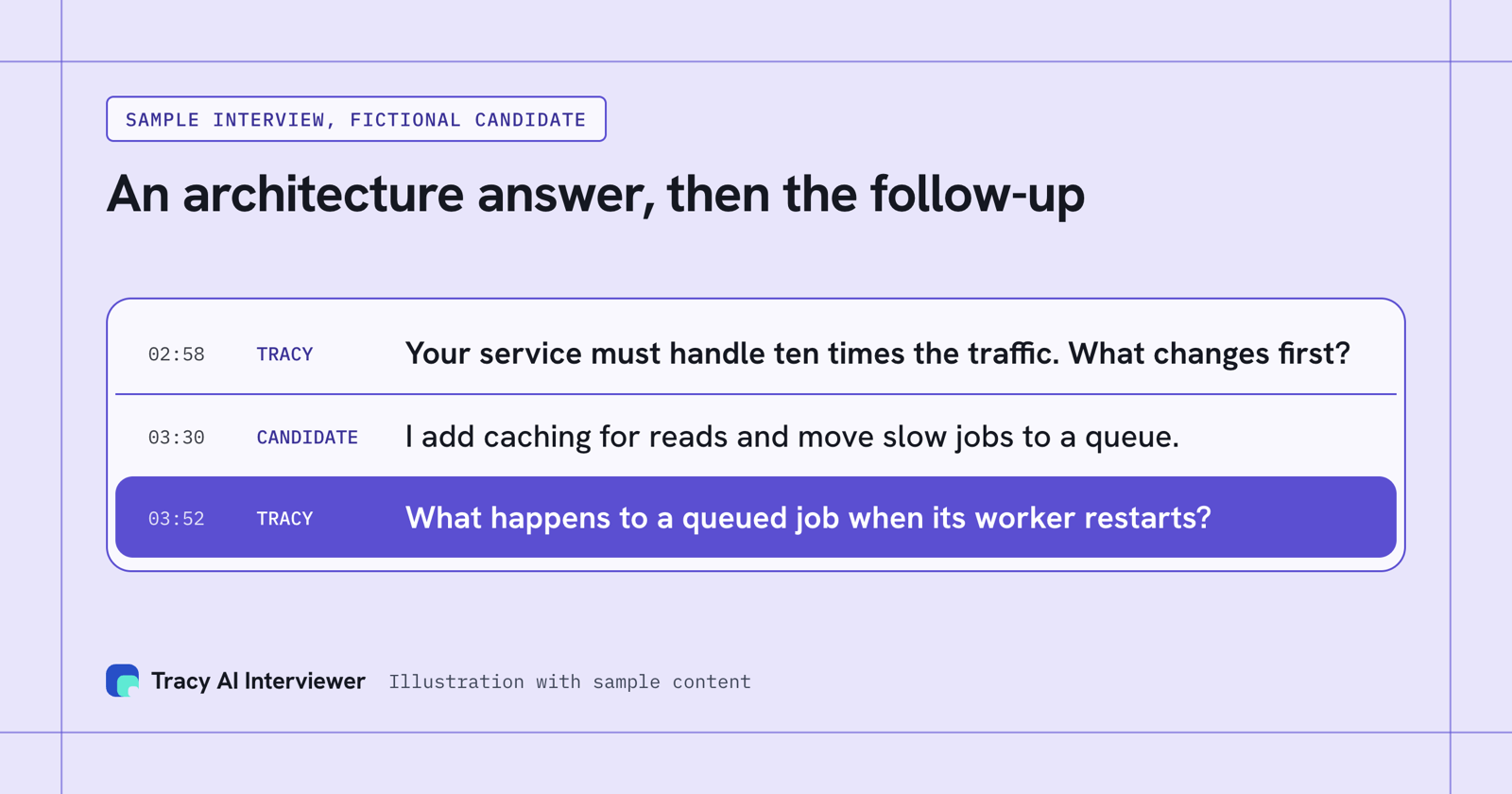
The second question comes from the first answer, so a reviewer sees depth behind the transcript.
How do you choose a Notion AI Meeting Notes alternative?
Start with where the notes should live. If it is your Notion workspace, stay with Notion and add a tool only for the interview. If your hiring managers run the interviews and want notes elsewhere, look at Otter, Fireflies.ai, Granola and Krisp. If the interview itself has to be run for every applicant, shortlist Tracy.
Then check what happens after the call. When a panel has to compare many applicants, each person's answer to each question, with the recording, gives everyone the same evidence to read.
Finally, compare price models. Notion bills per member and the other notetakers per user or seat; Tracy bills per interview. For the wider list, read the best AI notetakers and the best AI notetaker for recruiters, or compare Tracy vs Notion AI Meeting Notes directly.
Which route fits your hiring?
- Hiring engineers: technical interviews covers interviews built around the role.
- Hiring in bulk: volume hiring covers large applicant pools.
- The result: the interview report shows what a reviewer opens.
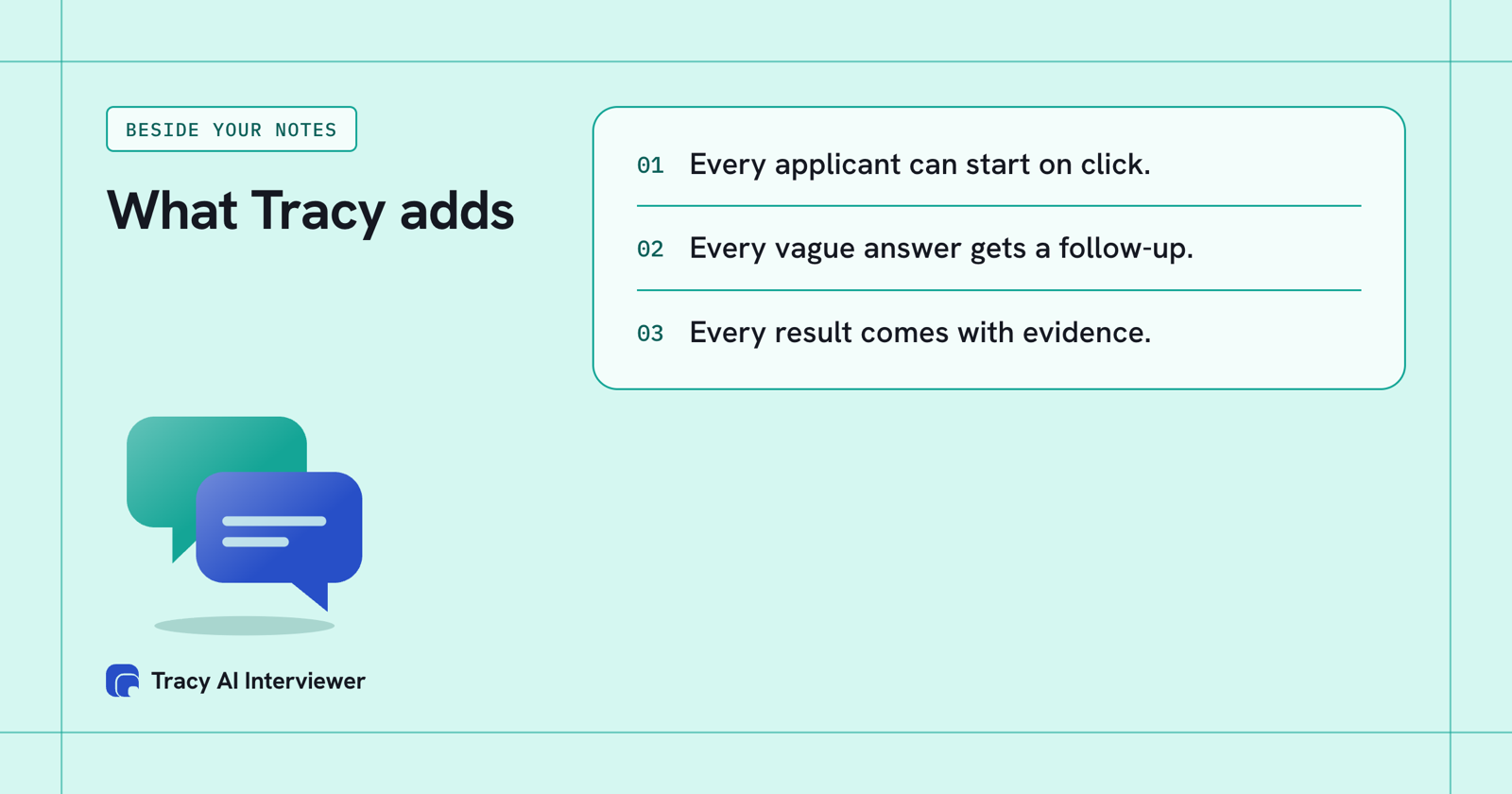
Every applicant can start on click. Every vague answer gets a follow-up. Every result comes with evidence.
Common questions
What are the best Notion AI Meeting Notes alternatives for interviews?
Is there a free alternative to Notion AI Meeting Notes?
Is Notion a good note-taking app for interviews?
Is there a Notion AI Meeting Notes alternative that does not use a bot?
Can I keep Notion and add Tracy?
Create one interview for your next role
Pick a role, create the interview and read what comes back. Applicants start on click. The first 3 results are free.
Book a demo (opens in a new tab) Try it free (opens in a new tab)
Your first 3 results are free. No card needed.
Sources
- Notion, Pricing, retrieved 14 Nov 2026.
- Otter, Pricing and Home, retrieved 14 Nov 2026.
- Fireflies, Pricing and Recruiting, retrieved 9 Nov 2026.
- Granola, Pricing and Home, retrieved 14 Nov 2026.
- Krisp, Pricing, retrieved 14 Nov 2026.
- Tracy AI Interviewer, Pricing, retrieved 14 Nov 2026.
- Tracy AI Interviewer, Connect, retrieved 14 Nov 2026.