In short
As of November 2026, ChatGPT writes meeting notes from a live call or from a transcript you give it, and both routes need a call that someone held.
For first-round hiring interviews, Tracy AI Interviewer connected to ChatGPT holds the call itself: each candidate starts from a link at any hour and gets follow-ups on thin answers.
You read what each person said to each question, with the recording behind it, and decide. The first 3 results are free.
ChatGPT for meeting notes works in two ways. It can listen to a call on your Mac and write the notes, or it can turn a transcript you hand it into notes with a prompt. Both save typing, but someone still has to hold the call, so a team running first-round interviews needs a person on every one. This guide covers the setup, the prompts, and the point where an interview should run without a person. For the transcript side in more depth, see ChatGPT for transcripts.
How do I use ChatGPT for meeting notes?
Pick the route that matches how the meeting happens, then tell ChatGPT what the notes are for. OpenAI's help pages, read on 23 Nov 2026, describe three routes:
- The Meetings plugin takes notes from online calls or in-person conversations on a Mac, with no bot joining the call. OpenAI lists it as a beta in the macOS desktop app for all Pro and Business plans, and says it is not generally available for Enterprise yet.
- Record transcribes and summarises audio in the macOS desktop app on Plus, Enterprise, Edu, Business and Pro workspaces. Enterprise and Edu owners have to switch it on, and a session stops at 4 hours.
- A transcript or audio file. Paid plans can upload audio files up to 512 MB, or you can paste the transcript your call tool made. OpenAI warns that transcripts may contain errors and speaker identification may be unreliable.
Can ChatGPT take notes in real time?
Partly. OpenAI says Record live-transcribes as you talk. The Meetings plugin builds its notes after you stop, and its help page says that may take a few minutes. Record does not join meetings by default. Its calendar auto-join covers Google Meet links only, so for any other link you start it by hand.
What is the ChatGPT Meetings plugin?
It is OpenAI's note-taking tool for the desktop app. It saves summaries with action items in ChatGPT Space, built from the transcript, any notes you typed and context from connected apps. Pages are private by default. People you share a page with can open the notes but not the transcript, and OpenAI says the audio is deleted from your Mac and its servers once the notes are ready. Support for iOS, Android and Windows is listed as coming soon.
Prompts for meeting notes from a transcript
Paste the transcript, then try one of these. Run them first on a meeting you attended and compare the output with what you remember.
- For a summary: "Summarise this meeting in five bullets, then list each decision and who made it. Write 'not stated' wherever the transcript is silent."
- For actions: "List every action item as owner, task and date. Leave the owner or date blank if nobody said it. Do not guess."
- For open questions: "What was raised and never answered? Quote the line each one came from."
- For interview notes: "These are notes from a candidate interview. For each question, give what the person said in their own words with one short quote, and mark any answer that stayed vague."
Check who said what before the notes go to anyone, because speaker labels are the usual error. A ChatGPT summary is a draft until someone who was there has read it.
Consent and who sees the notes
OpenAI tells Record users to "get the right consents before you start recording", and says the Meetings reminder in the app does not notify other participants for you. For a candidate interview, say at the start that the call is recorded and why, and keep the notes with the people who need them.
When the meeting is a first-round interview
Notes help once a call has happened. Volume changes the picture. Say a role draws 300 applications: nobody can hold 300 calls, however good the notes are, and the calls that never happen are never written up. Human-run calls do not scale, and a notetaker does not change that.
Tracy AI Interviewer runs the interview itself. It connects to ChatGPT through its MCP server, and the steps are in how to add MCP to ChatGPT. You describe the role, Tracy drafts the questions, and you edit them or bring your own. ChatGPT shows a preview and waits for your approval before anything is created or sent. Each candidate opens a link in a browser, with no account, and starts at any hour. Tracy waits for the end of each answer, then asks for the detail that was missing.
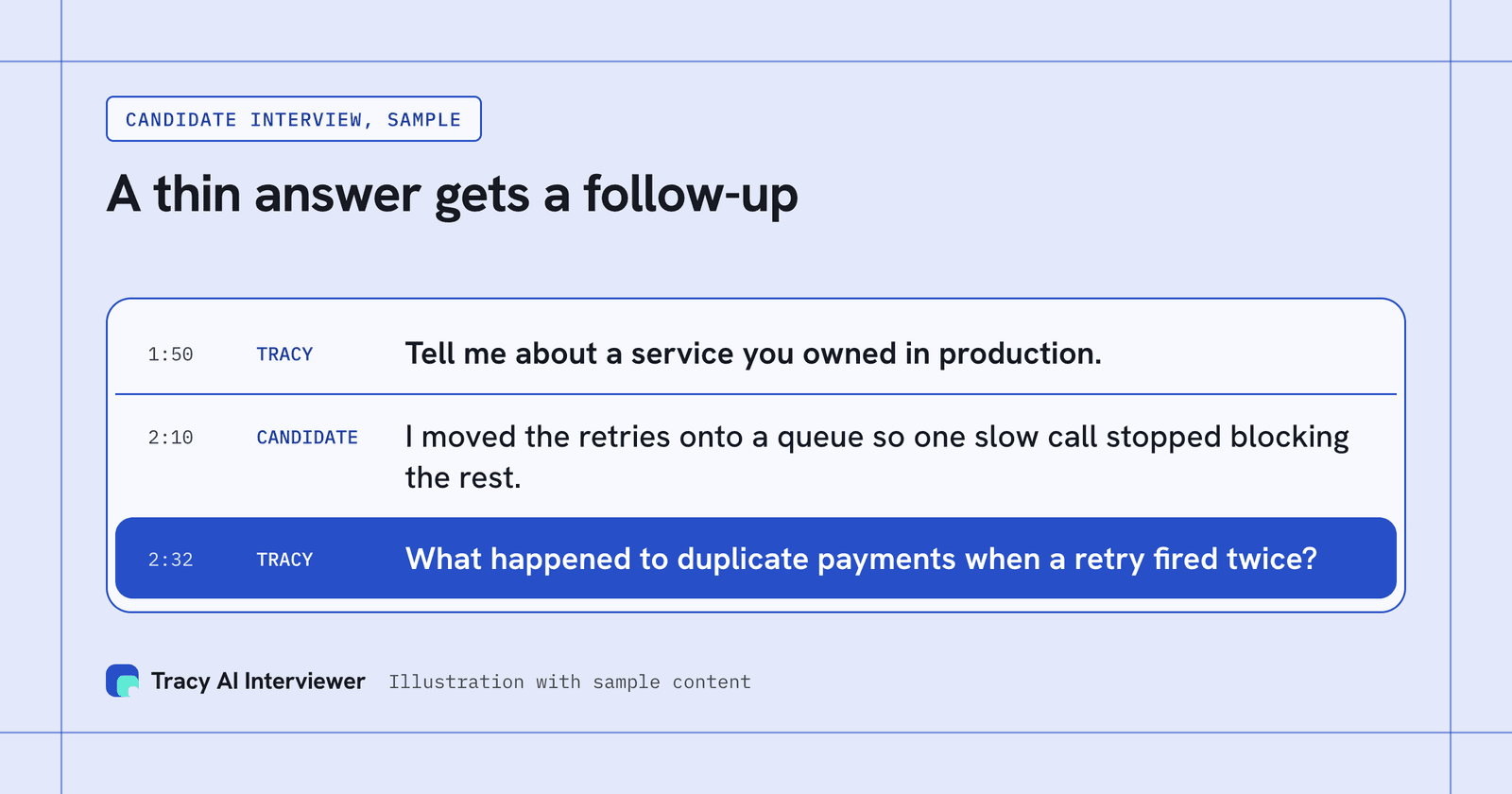
A thin answer gets a follow-up and a quote.
What you get back instead of notes
When the interview ends, ask ChatGPT for the results. It returns what each candidate said to each question, the result fields and a note for your applicant tracking system. The report arrives shortly after a session ends. Tracy does not score, rank or reject anyone, so your team reads what was said and decides.
One Tracy customer cut its average time to hire from 44 days to 7, and Tracy did the work of 53 full-time recruiters in one month. On Enterprise, Tracy can also take notes on calls your own people run, for the interviews that should stay human.
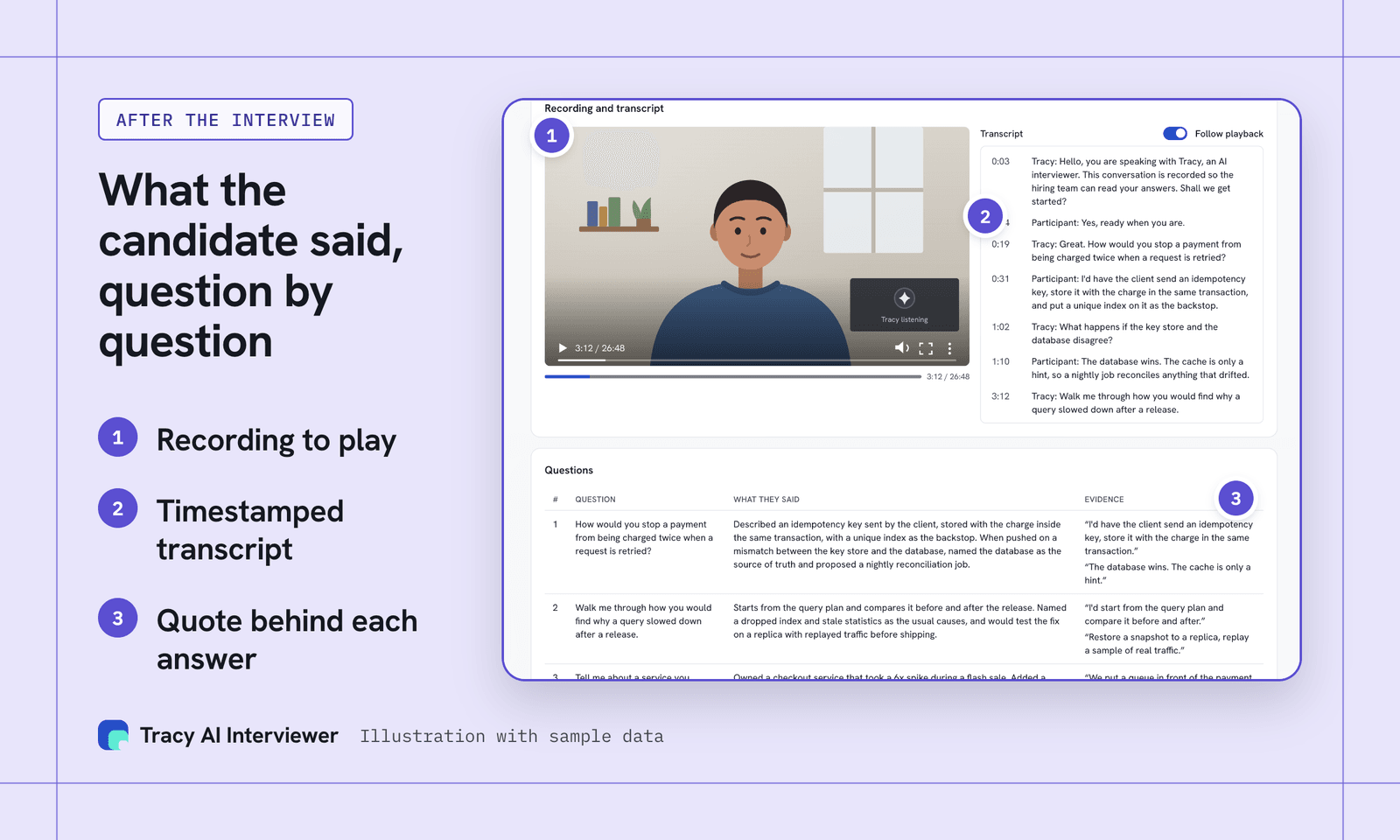
Each answer keeps the words and the moment behind it.
Which path fits you?
- Notes from recorded calls and transcripts: ChatGPT for transcripts.
- A structure for interview notes: the interview notes template.
- Choosing a notetaker: AI note takers for interviews.
- Using Claude instead: Claude for meeting notes.
- Starting interviews from a chat: Tracy and ChatGPT, step by step.
Common questions
How do I use ChatGPT for meeting notes?
Can ChatGPT take notes in real time?
What is the ChatGPT Meetings plugin?
Can ChatGPT write interview notes?
Do I need consent to record a meeting?
Run first-round interviews from ChatGPT
Connect Tracy to ChatGPT, describe the role and approve the preview. Candidates start on click. First 3 results free.
Try it free (opens in a new tab) Book a demo (opens in a new tab)
Your first 3 results are free. No card needed.
Sources
- OpenAI Help Center, The Meetings plugin in ChatGPT, retrieved 23 Nov 2026.
- OpenAI Help Center, ChatGPT Record, retrieved 23 Nov 2026.
- OpenAI Help Center, File uploads FAQ, retrieved 23 Nov 2026.
- Tracy AI Interviewer, Connect, retrieved 23 Nov 2026.